

A smart speaker can do much more than answer questions or play your favorite playlist. With a few clever tweaks, it can quietly handle everyday tasks, simplify routines, and make your home feel more organized without extra effort.
These practical ideas help you get more value from devices you already own. From quieter nights to hands-free shortcuts, each tip reveals an easy way to make Google Home work smarter instead of harder.
Let Night Mode Do The Heavy Lifting
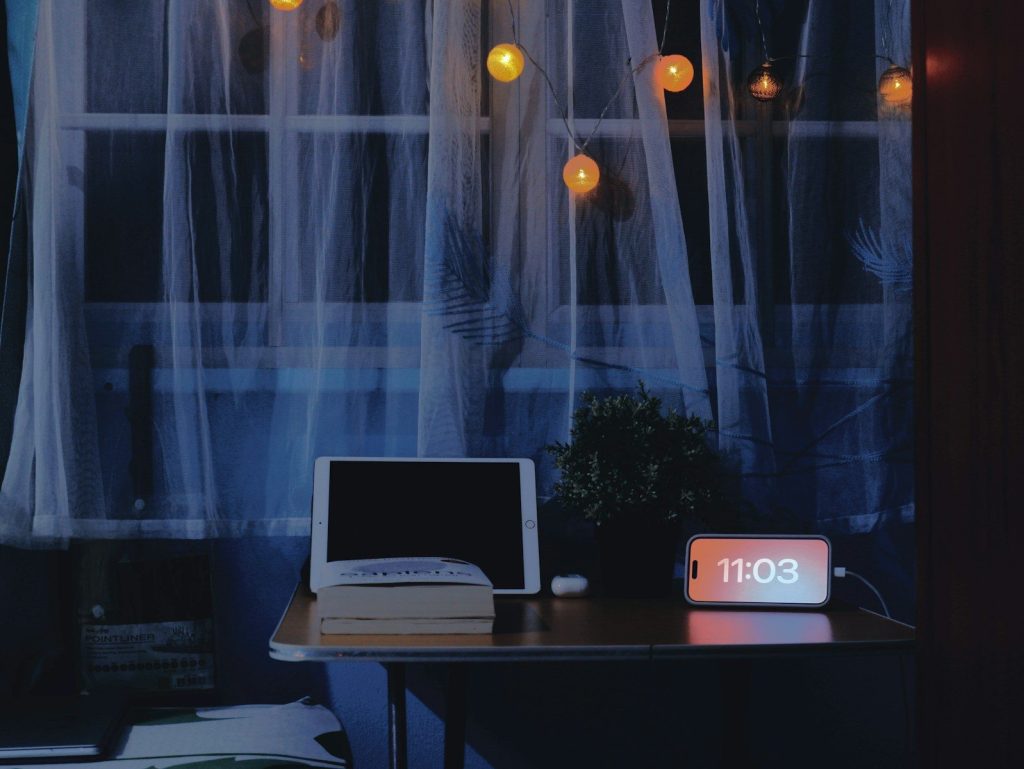
Late-night voice commands do not have to wake the whole house. Turning on Night Mode automatically lowers speaker volume and dims bright displays during the hours you choose.
This simple setting keeps your smart speaker useful after bedtime while making your home feel calmer. It is especially helpful for families with young children or anyone who prefers quieter evenings.
Build One Command For Busy Mornings
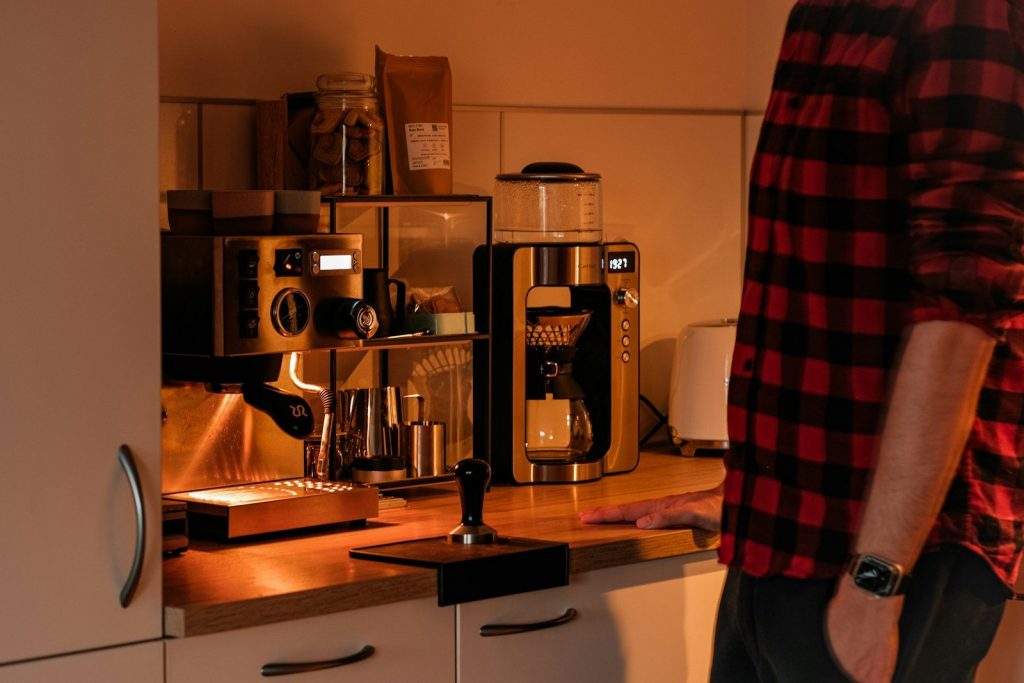
Instead of asking for weather, traffic, and calendar updates one at a time, create a routine that handles everything with a single phrase.
You can even add smart lights, coffee makers, or music so your entire morning starts automatically. A few minutes of setup can save time every single day.
Control Lights Like A Pro

Most people stop at turning lights on or off, but timed lighting creates an even better experience. Ask Google to switch lights off after a set number of minutes instead.
This works well for closets, kids’ bedrooms, or outdoor lights you might otherwise forget. It adds convenience while helping reduce unnecessary energy use.
Make Shopping Lists Effortless
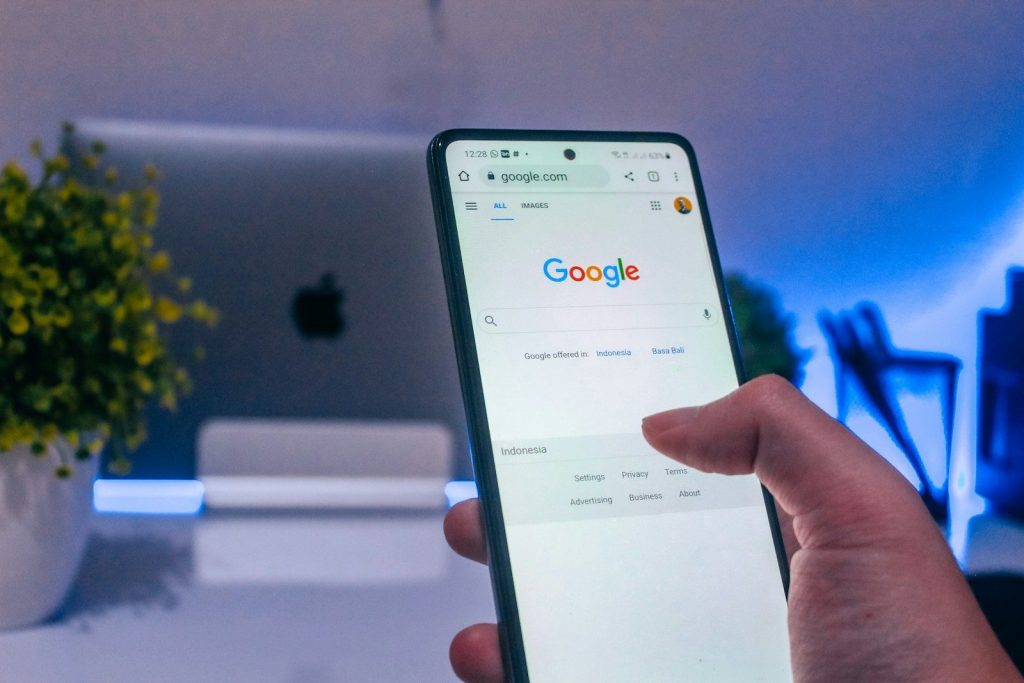
The easiest grocery list is the one you never have to write by hand. Simply tell Google what you need as soon as you think of it.
Your list stays updated and ready when you reach the store. Families can also share the same list so everyone adds items without sending extra messages.
Create Personalized Voice Shortcuts

Custom routines let you replace several commands with one memorable phrase. A movie night command could dim lights, close blinds, and start your favorite playlist.
You can also build shortcuts for bedtime, workouts, or working from home. Small automations quickly become everyday habits that save time.
Keep Devices Quiet Without Losing Control

Smart displays and speakers often grab attention with bright screens and loud responses. Adjusting brightness and response levels makes them blend naturally into your home.
The result feels less like having another gadget on the counter and more like having a helpful assistant that knows when to stay in the background.
Connect More Than Just Speakers
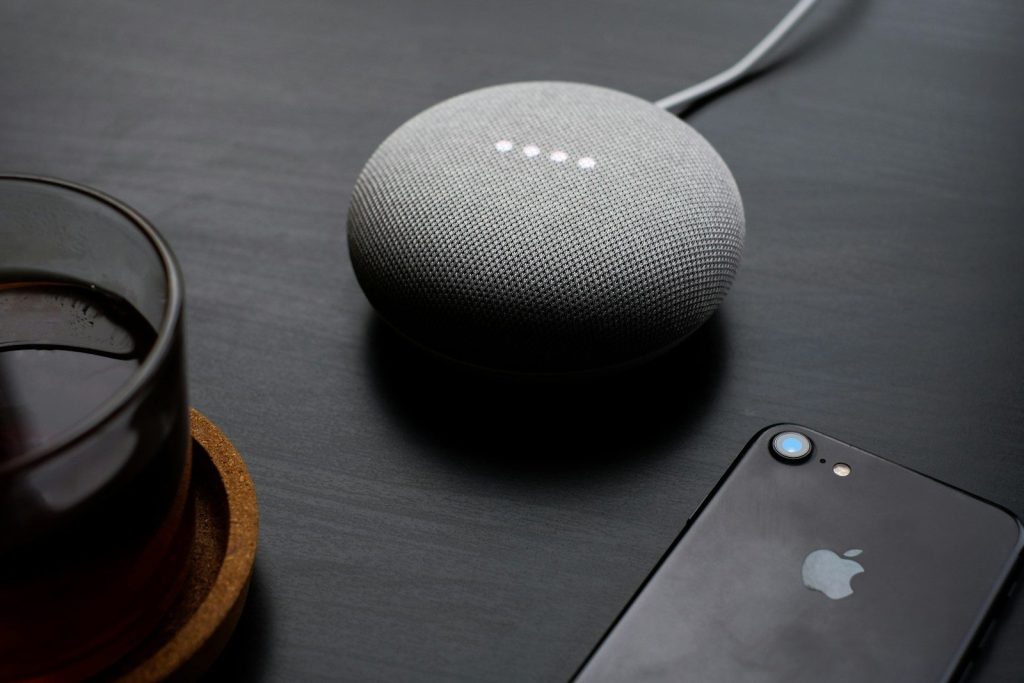
Google Home becomes much more powerful when connected to compatible plugs, locks, thermostats, and appliances. Every added device opens new automation possibilities.
Even a few connected products can transform simple voice commands into useful daily shortcuts that reduce repetitive tasks around the house.
Keep Exploring Hidden Features
Google regularly expands what its smart home platform can do, so checking for new routines and voice features is worth making a habit.
Trying one new feature every few weeks helps you discover tools that fit your lifestyle. Many of the best tricks are simple settings that most users never think to explore.
Featured Image: By SumUp on Unsplash