

Most people download apps without giving much thought to the permissions they approve. A quick tap during setup can grant access to microphones, cameras, contacts, and other personal information that remains available long after the app is installed.
The good news is that protecting your privacy does not require advanced tech knowledge. A few smart habits can help you identify risky apps, tighten permissions, and regain control over what your phone shares behind the scenes.
Audit Your Microphone Access

One of the most effective privacy hacks is checking which apps can use your microphone. Many apps request access during setup, even when voice recording is not central to their purpose.
Review your phone’s permission settings and remove microphone access from anything that does not truly need it. You may be surprised by how many apps have retained permissions for months or even years.
Watch for Permission Creep

Some apps gradually request additional permissions through updates. What started as a simple utility may later ask for a microphone, camera, or location access.
Make it a habit to review permissions after major app updates. Catching these changes early helps prevent unnecessary access to sensitive information stored on your device.
Delete Apps You No Longer Use
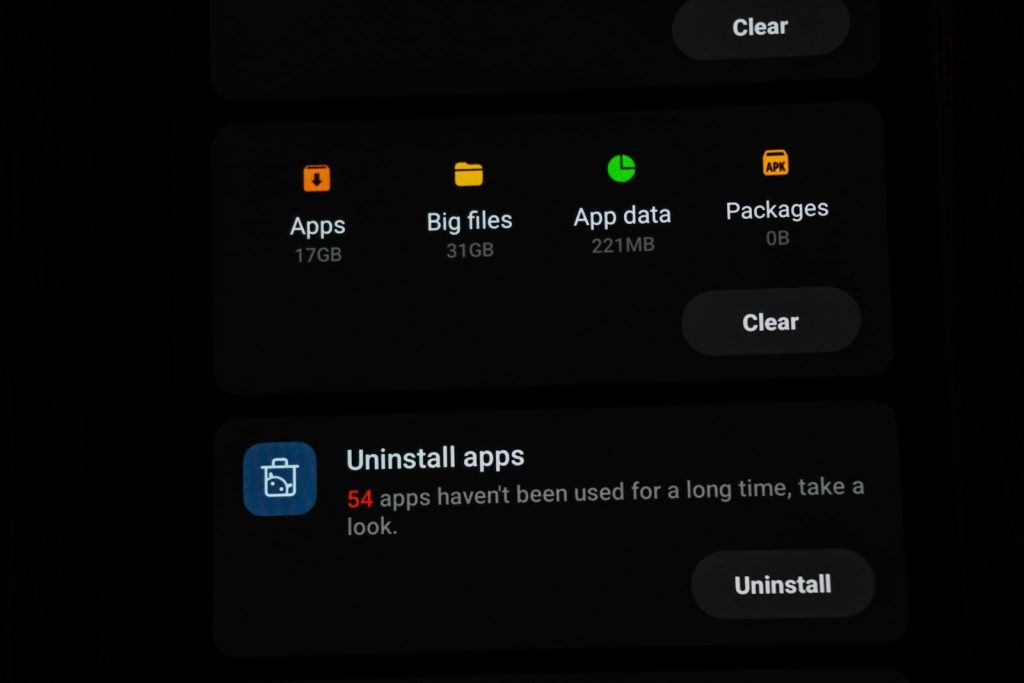
Unused apps create unnecessary privacy risks. Even when sitting untouched on your phone, some may continue collecting data, tracking behavior, or requesting background access.
A quick cleanup session can reduce digital clutter while improving privacy. Removing forgotten apps is one of the easiest ways to shrink your potential exposure.
Check Background Activity Settings
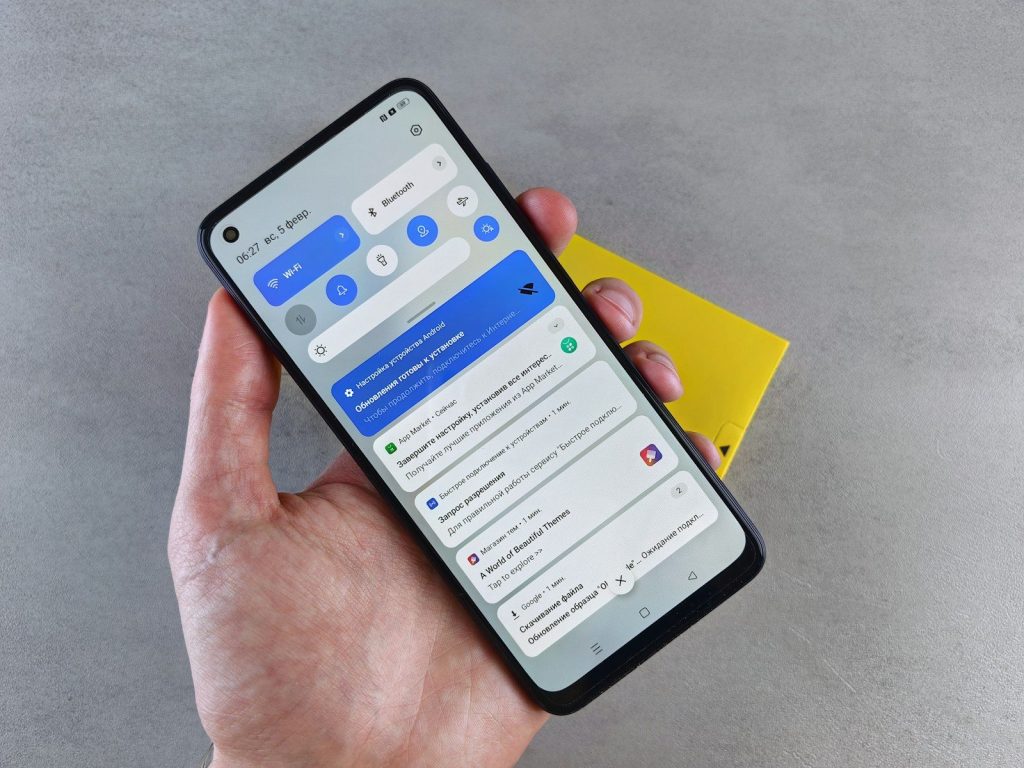
Many apps continue running behind the scenes after you close them. This background activity can allow data collection even when the app is not actively being used.
Review which apps are permitted to refresh or operate in the background. Restricting unnecessary activity can improve both privacy and battery life at the same time.
Be Selective With Voice Features

Voice assistants and voice-enabled features offer convenience, but they often require continuous access to microphones and audio processing tools.
If you rarely use voice commands, consider disabling these features. Limiting access reduces opportunities for unnecessary data collection while keeping your device simpler to manage.
Review App Privacy Policies
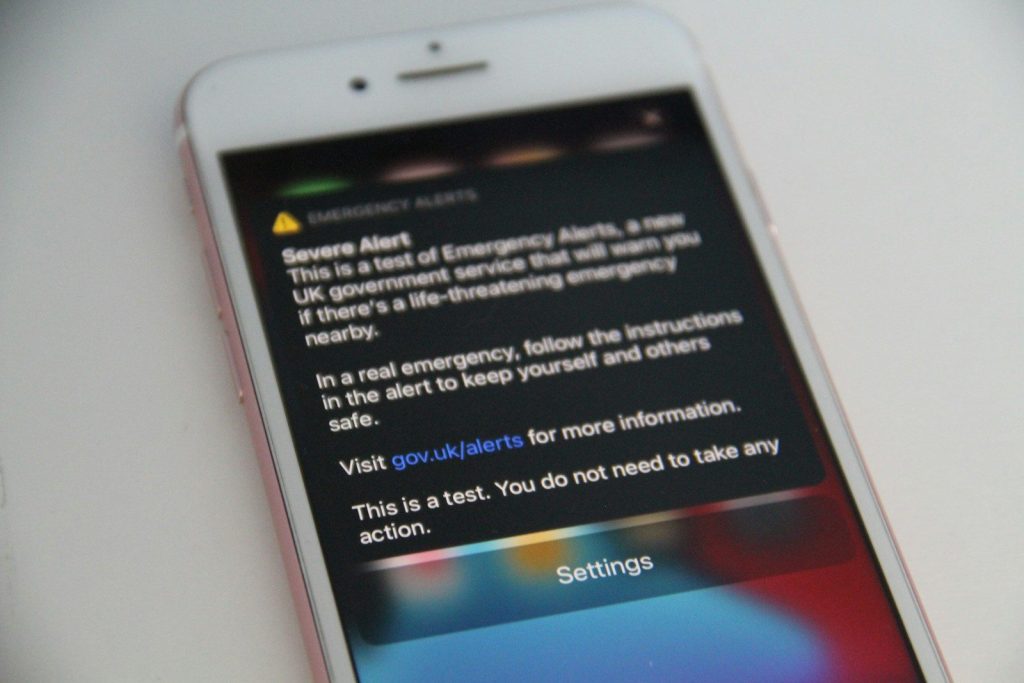
Most users skip privacy policies entirely, yet they often reveal how information is collected, stored, and shared. Spending a few minutes reading key sections can uncover valuable insights.
Look for details regarding audio recordings, third-party sharing, and data retention practices. Understanding these policies helps you make more informed decisions about which apps deserve your trust.
Use Permission Controls Strategically
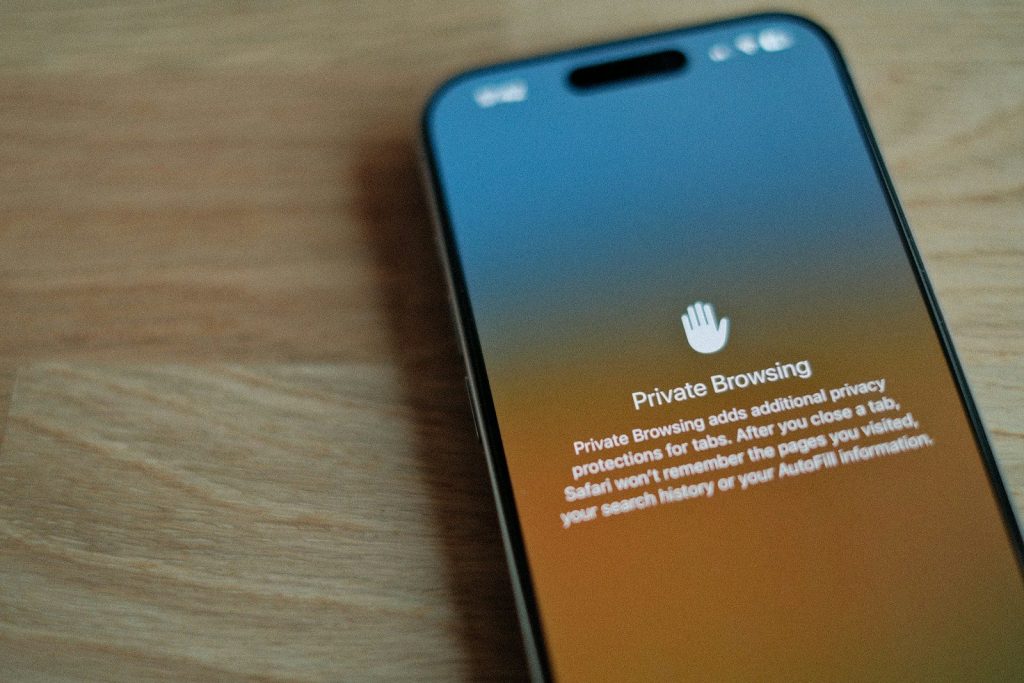
Modern smartphones offer detailed permission options that go beyond simple approval or denial. Many apps can be restricted from accessing features only while actively in use.
Choosing temporary access instead of permanent permission provides an extra layer of protection. This small adjustment can significantly reduce unnecessary background monitoring.
Schedule Regular Privacy Checkups

The smartest privacy hack is turning security reviews into a routine habit. Apps, permissions, and settings can change over time without attracting much attention.
A monthly review of installed apps and permissions takes only a few minutes. Staying proactive makes it easier to spot potential concerns before they become larger privacy problems.