

Most people use only a fraction of what their iPhone can actually do. Hidden inside the settings and built-in apps are shortcuts that can save time, reduce frustration, and make everyday tasks feel surprisingly effortless.
The best part is that many of these features require no extra downloads. Once you know where to find them, your iPhone can start working a lot smarter for you.
Turn Focus Modes Into Productivity Shortcuts

Most users think Focus Mode is just a way to silence notifications. In reality, it can completely change how your phone behaves depending on where you are or what you are doing.
Create separate Focus profiles for work, sleep, exercise, or personal time. Each profile can show different apps, allow specific contacts, and reduce distractions before they even appear.
Copy Text From Almost Anything
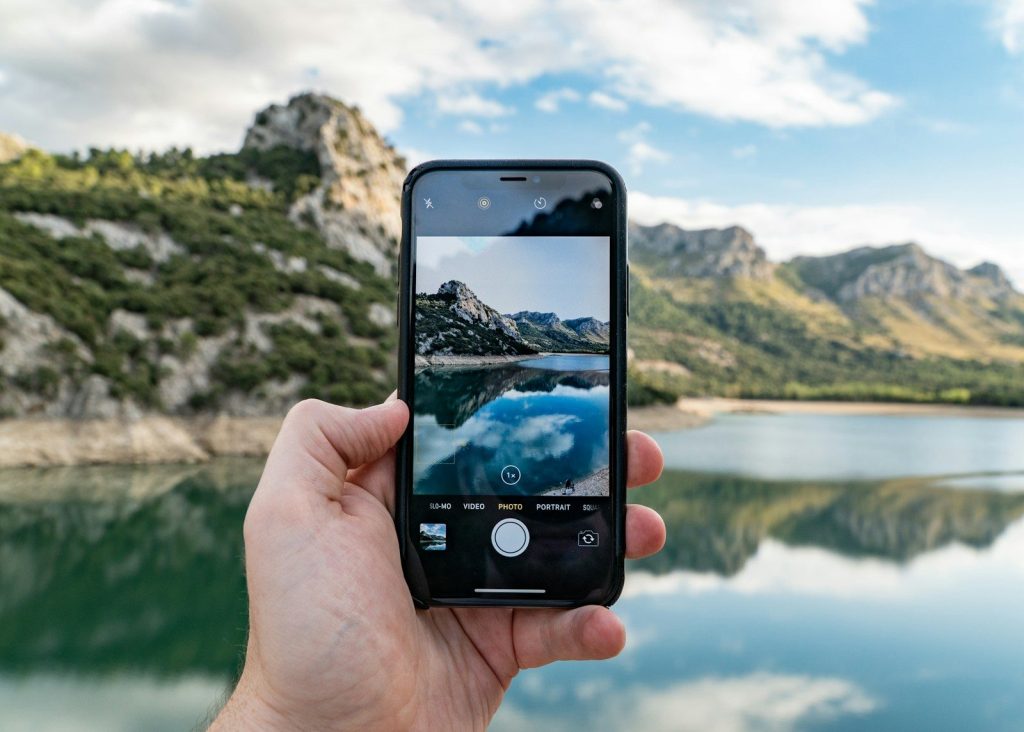
One of the most useful hidden features is the ability to grab text directly from photos, screenshots, signs, menus, and documents without typing a single word.
Point your camera at printed text or open an image in Photos. You can instantly copy phone numbers, addresses, recipes, or notes and use them anywhere on your device.
Use Hidden Gestures To Move Faster
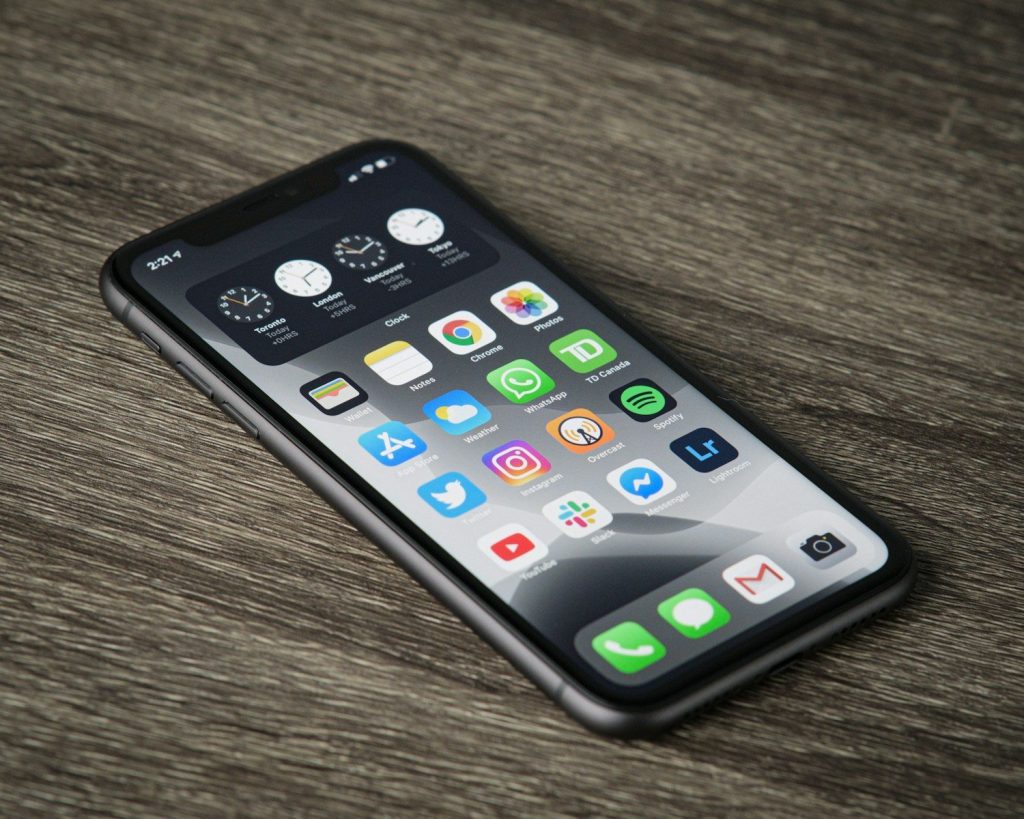
The iPhone includes several gestures that many people never discover. These shortcuts can dramatically speed up navigation and everyday tasks.
Try using two fingers to select multiple items in supported apps. Learning swipe shortcuts and quick navigation gestures can eliminate dozens of unnecessary taps each day.
Transform Your Keyboard Into A Trackpad

Editing text on a phone can be frustrating when the cursor refuses to land where you want it. Fortunately, Apple built in a simple workaround.
Press and hold the space bar to turn the keyboard into a trackpad. This gives you much finer control when correcting typos or editing longer messages.
Create Shortcuts For Phrases You Type Often
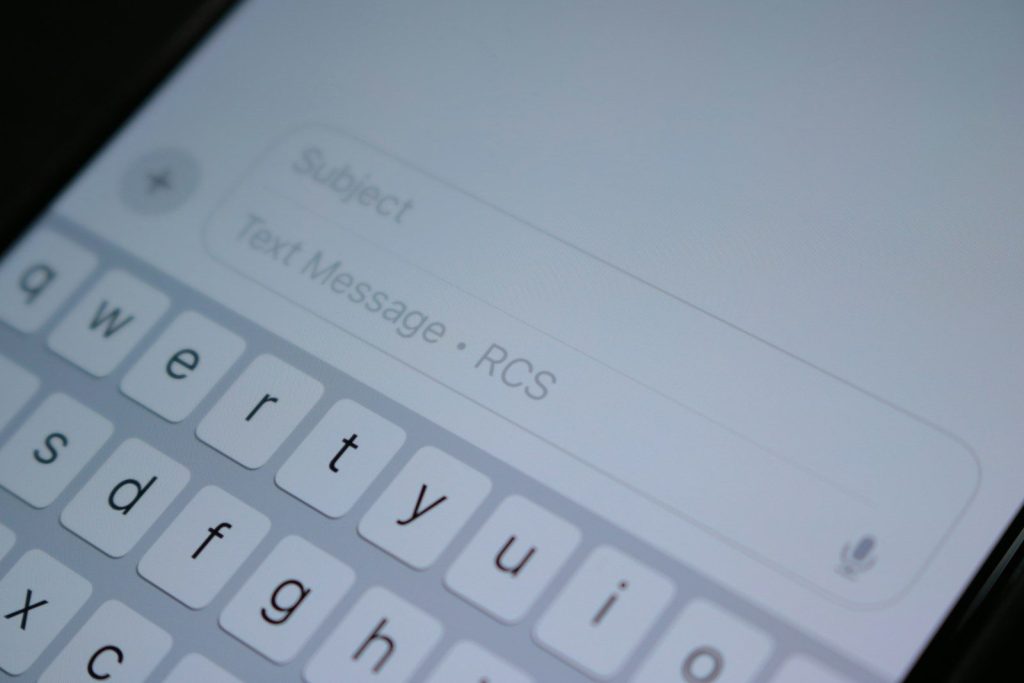
If you constantly type your email address, home address, or common replies, there is a faster way than entering them manually every time.
Text Replacement allows you to assign short codes to longer phrases. A few letters can instantly expand into entire sentences, saving time throughout the day.
Customize Control Center For Instant Access
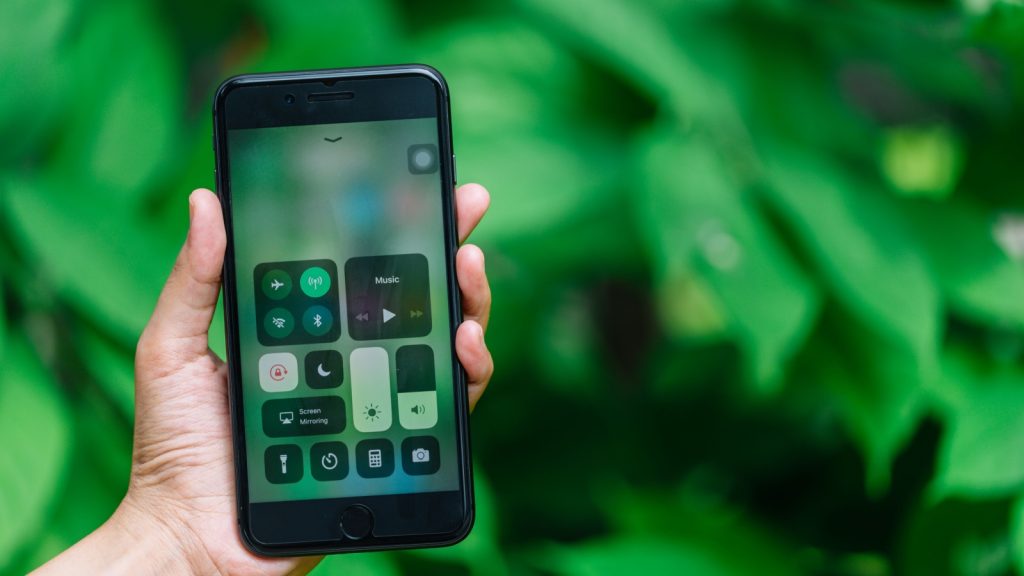
Many people leave the Control Center exactly as it came from the factory. That means useful tools remain buried several menus deep.
Adding your most-used controls gives you faster access to features like flashlight, screen recording, music recognition, and accessibility tools with a single swipe.
Use Your iPhone As A Magnifier
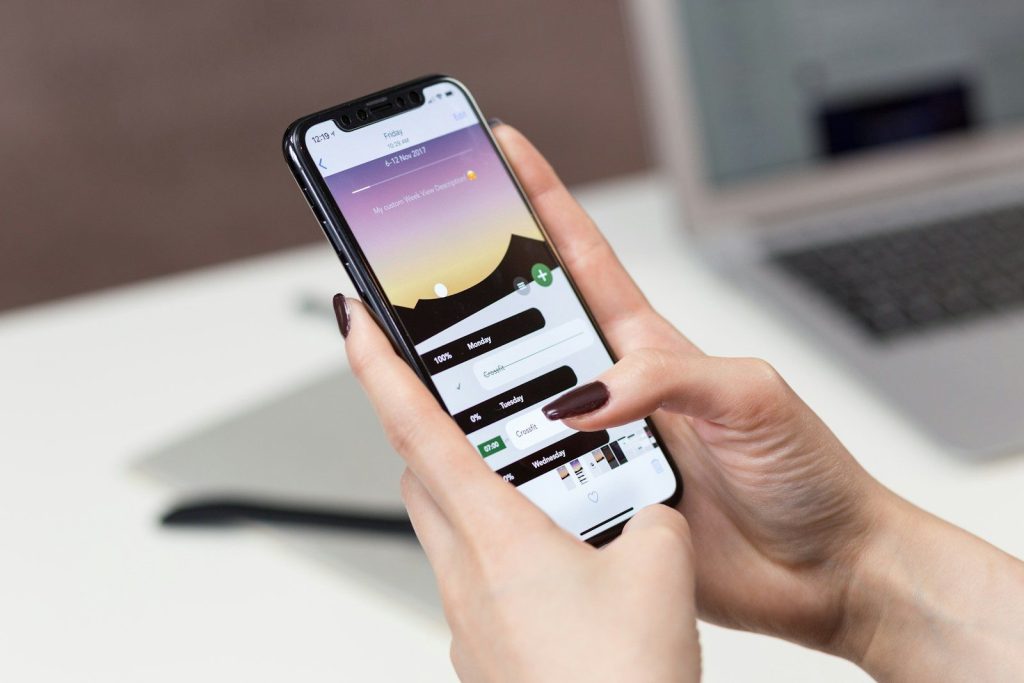
Tiny labels, restaurant receipts, and instruction manuals can be difficult to read. Instead of searching for reading glasses, use a tool already built into your phone.
The Magnifier feature turns your camera into a powerful digital zoom lens. It is especially useful when reading small print in low-light situations.
Unlock More Power From The Calculator
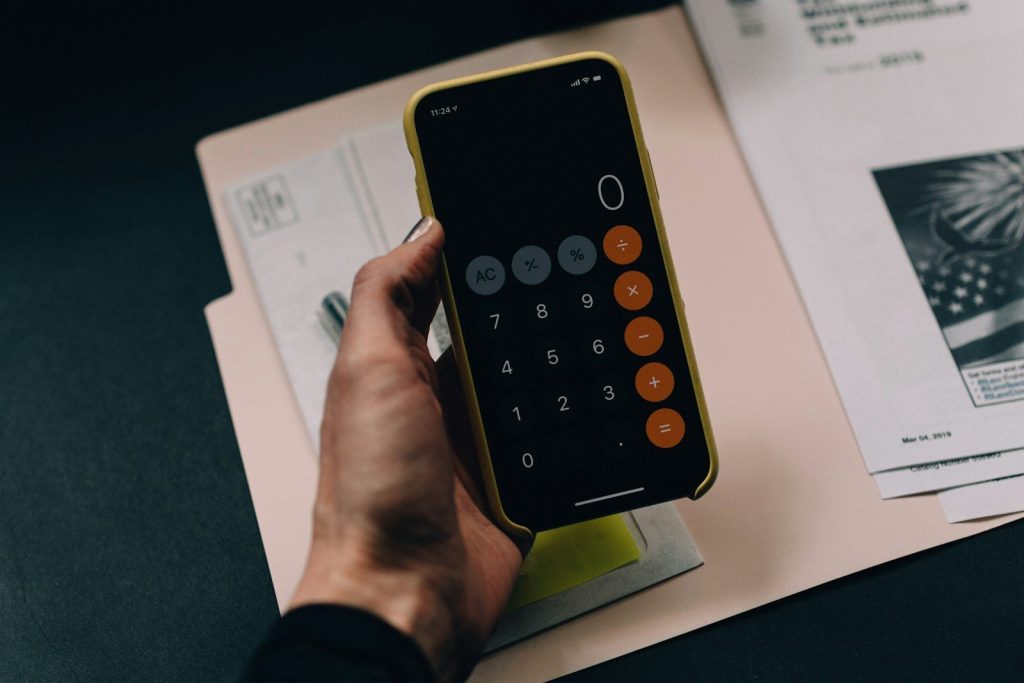
The Calculator app has evolved far beyond basic addition and subtraction. Many users never realize how much functionality is hidden inside it.
Recent versions include scientific calculations, conversions, and additional tools that can handle tasks usually requiring separate apps. It is one of the easiest ways to get more value from a feature already on your phone.