

For years, shutting down your computer at the end of every day was considered the right thing to do. Today, modern operating systems, solid-state drives, and improved power management have changed the conversation. Whether you should shut down, restart, sleep, or hibernate depends on how you use your computer. These tech-backed hacks explain when each option actually makes the most sense.
Sleep Mode Makes Sense If You’ll Be Back Soon
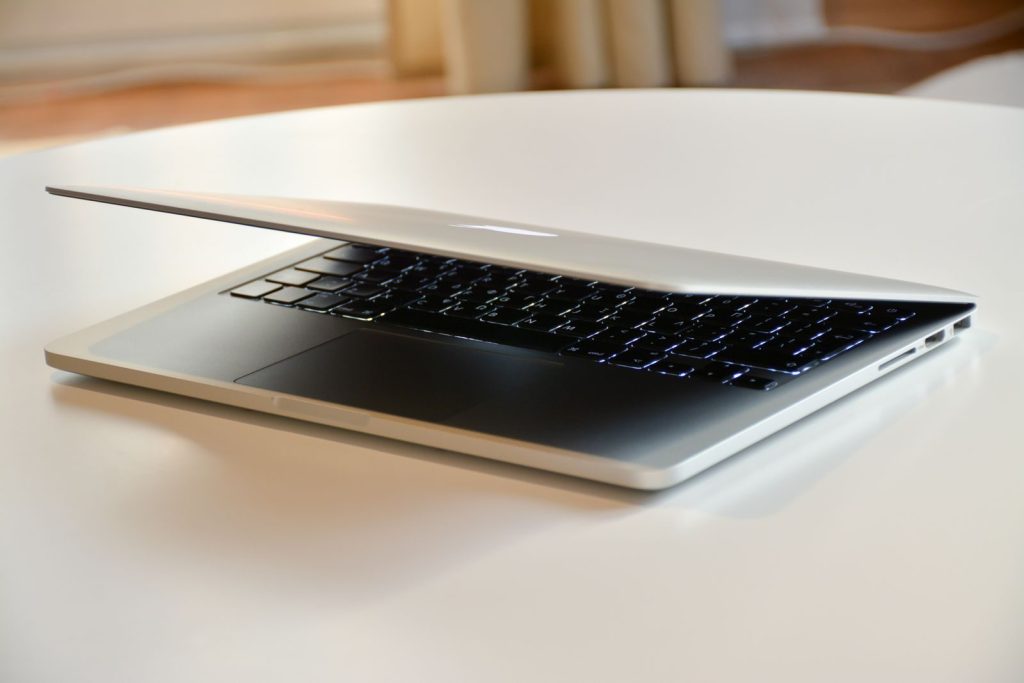
If you’re stepping away for lunch or returning later in the day, Sleep mode is usually the smarter option. Your work stays in memory, your computer wakes within seconds, and modern devices use very little power while sleeping. For many people, repeatedly shutting down throughout the day simply wastes time.
Restarting Solves Problems That Shutting Down Sometimes Doesn’t
Many Windows users don’t realise that Restart and Shut Down aren’t always identical. When Fast Startup is enabled, shutting down can preserve parts of the system state to speed up the next boot. Restart performs a full reboot, which is why it’s often the first thing IT professionals recommend when troubleshooting software issues.
Don’t Ignore Fast Startup If Your PC Behaves Strangely
Fast Startup helps many computers boot more quickly, but it can occasionally contribute to driver conflicts or hardware issues after updates. If your PC isn’t recognizing peripherals or behaves inconsistently after shutting down, temporarily disabling Fast Startup is one troubleshooting step worth trying.
Hibernate Is Built For Longer Breaks

Hibernate saves your current session to storage before completely powering off the computer. Unlike Sleep mode, it doesn’t rely on battery power, making it especially useful if you won’t be using your laptop for several days but don’t want to reopen dozens of applications from scratch.
Software Updates Often Need More Than A Shutdown
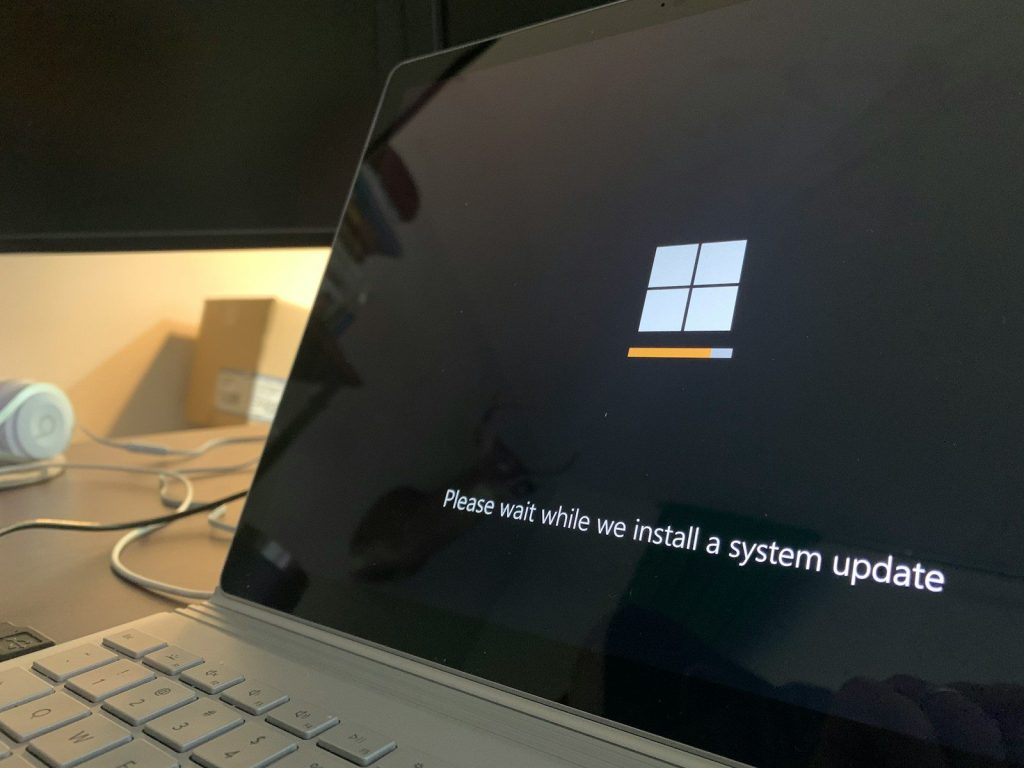
Operating system updates, graphics drivers, and firmware upgrades frequently require a restart to finish installing properly. If an update keeps asking you to restart, repeatedly choosing Shut Down instead may delay changes from being fully applied.
Heat Matters More Than Most People Realize
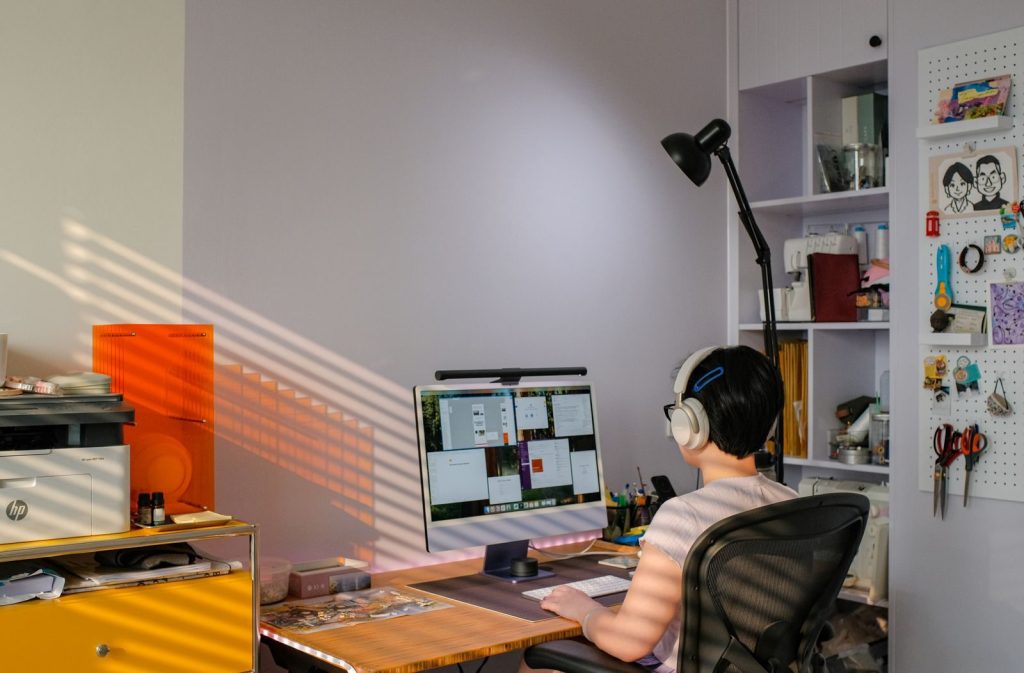
Leaving a computer running continuously in a poorly ventilated space can keep internal temperatures elevated for longer periods. While modern systems are designed to manage heat, occasionally powering down idle desktop computers can reduce unnecessary wear on cooling fans and help clear dust accumulation opportunities during routine cleaning.
Your Daily Routine Should Decide The Best Option

A graphic designer rendering projects all day, a student carrying a laptop between classes, and someone using a family computer for an hour each evening don’t all need the same shutdown routine. Choosing between Sleep, Restart, Hibernate, or Shut Down based on how you actually use your device is more effective than following one universal rule.
The Best Choice Depends On What You’re Trying To Do

Modern computers give you more than one way to end a session because each serves a different purpose. Sleep is ideal for short breaks, Hibernate works well for longer pauses, Restart refreshes the operating system, and Shut Down is useful when you’re finished for the day or moving hardware. Understanding the difference helps you choose the option that fits your routine instead of relying on an outdated habit.