

Slow internet doesn’t always mean your provider is having a bad day. Sometimes the real problem is much closer to home. An old password, forgotten devices, outdated router settings, or even an unexpected guest on your network can all affect your connection. Before you call customer support or buy a new router, try these clever Wi-Fi hacks to see whether your home network needs a little attention.
Check Your Connected Devices Before Anything Else
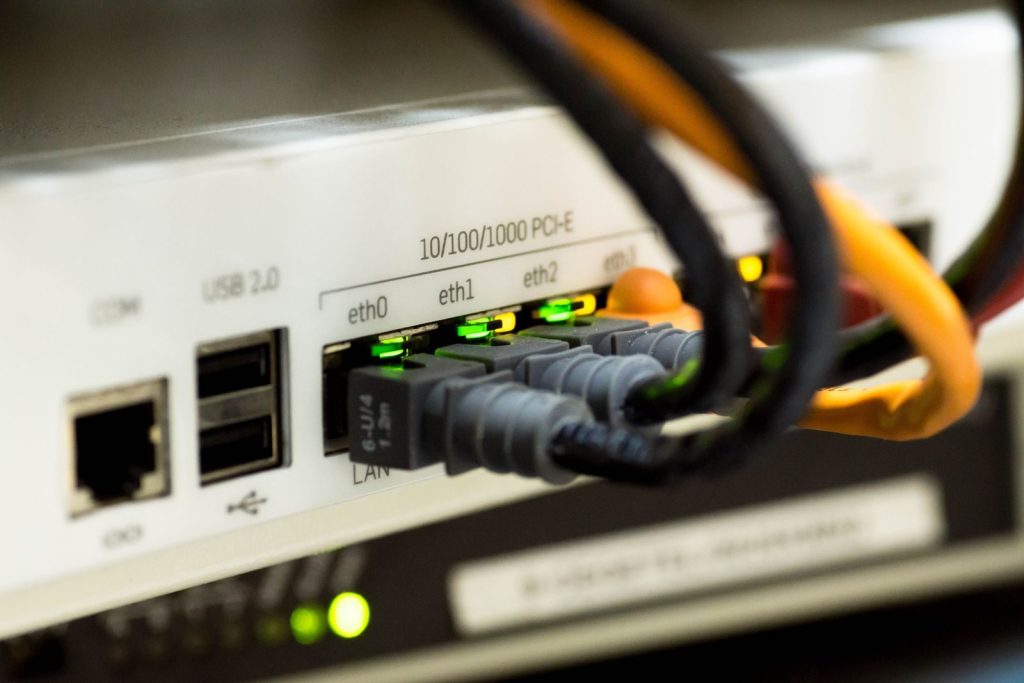
Most modern routers let you view every device currently connected to your Wi-Fi through the manufacturer’s app or web dashboard. Spend a minute scrolling through the list. You may discover an old phone, unused smart plug, forgotten tablet, or another device that’s still quietly using your network.
Rename Your Network Something You’ll Recognize Instantly

If several neighboring Wi-Fi networks have similar names, it’s surprisingly easy to connect a new device to the wrong one. Giving your network a unique, recognizable name makes setup easier and helps you quickly spot if something isn’t right.
Change Your Password If You Can’t Remember Sharing It

Think about everyone who’s visited your home over the years. Friends, family, babysitters, contractors, and previous roommates may still have your Wi-Fi password saved on their devices. Updating it every year or so is a simple habit that gives you a fresh start.
Give Guests Their Own Network

Many routers allow you to create a guest network that keeps visitors separate from your main devices. That means friends can still use your internet without automatically sharing the same network as your laptop, smart home devices, or printer.
Restarting Isn’t Enough. Update Your Router Too
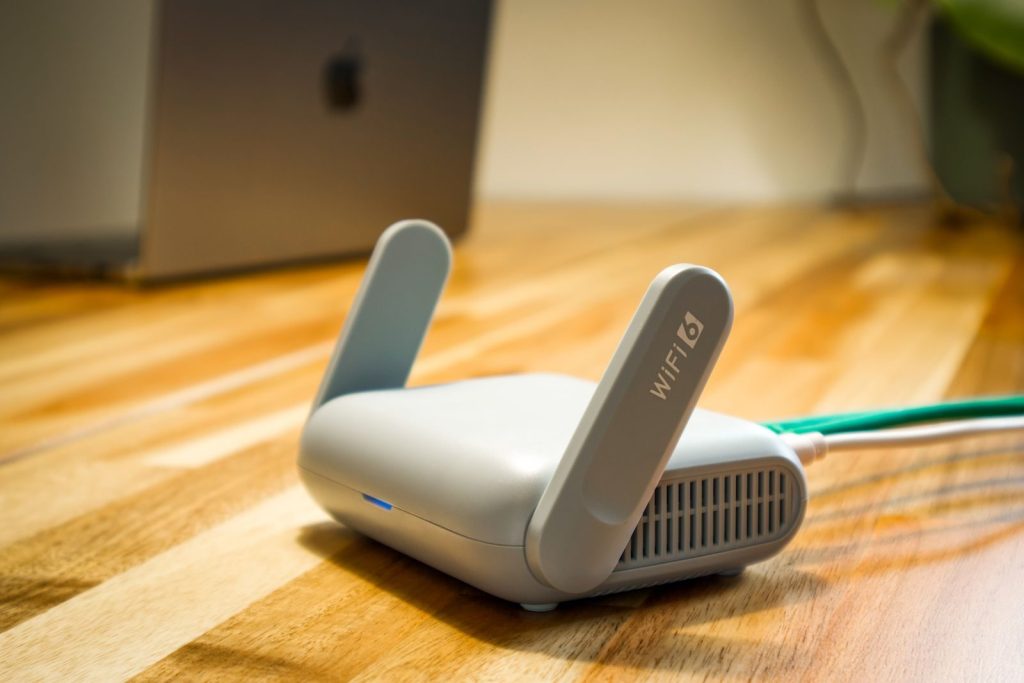
People remember to restart their router, but often forget to install firmware updates. Manufacturers regularly release updates that improve security, fix bugs, and close vulnerabilities. Taking five minutes to check for updates can make your network safer and more reliable.
Move Your Router Before Buying A Wi-Fi Booster
Poor signal strength is often caused by router placement rather than slow internet. Keeping the router out in the open, away from thick walls, metal cabinets, and large appliances, can improve coverage throughout the house without spending money on extra equipment.
Image Idea: Person placing a Wi-Fi router on an open shelf in a bright living room.
Don’t Ignore Devices You No Longer Own

If you’ve sold an old phone, replaced a laptop, or recycled smart home gadgets, check whether they’re still listed in your router’s device history. Cleaning up old devices makes it easier to spot anything that genuinely doesn’t belong.
A Healthier Wi-Fi Network Starts With Small Checks

Most Wi-Fi problems don’t require expensive upgrades. They’re often solved by paying attention to the devices connected to your network, refreshing old passwords, updating your router, and improving where it’s placed. A few minutes of maintenance today can make your connection feel faster, more reliable, and much easier to manage.