

Most people use roughly the same five or six things on their phone every single day and never dig deeper than that. The features sitting a few taps further into the settings menu tend to be the ones that genuinely change how a phone works rather than just adding another shortcut to something you could already do. None of these require a new phone, a paid app, or anything beyond a few minutes in settings you probably have not opened in months.
Your Photos Are Quietly Broadcasting Your Location to Everyone You Send Them To
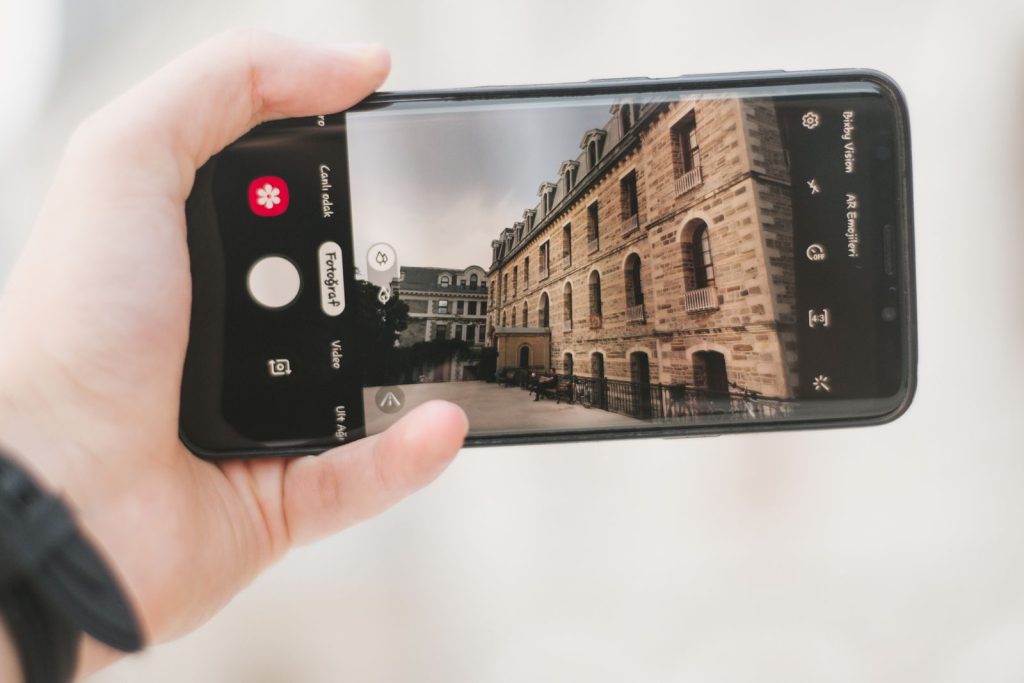
Every photo taken on a smartphone embeds invisible metadata called EXIF data into the image file, which can include the exact GPS coordinates of where the photo was taken. Both iOS and Android now have built-in options to strip that location information before sharing, sitting inside the sharing menu itself rather than requiring a separate app. Most people sending photos to strangers, posting to listings, or sharing publicly have no idea this data is attached.
Your Keyboard Has a Hidden Trackpad Nobody Told You About
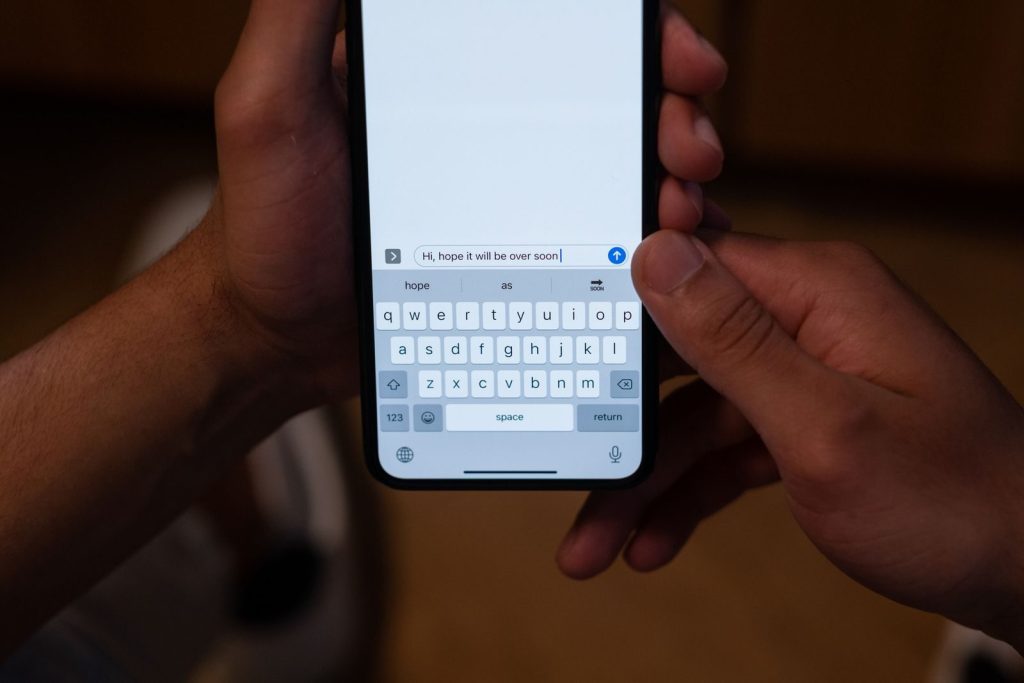
On iPhone, pressing and holding the spacebar turns the entire keyboard into a trackpad that lets you move the cursor to any exact position in a block of text without tapping and missing repeatedly. Android keyboards, including Gboard, have a similar gesture built into the spacebar. It is one of the most genuinely useful features buried in plain sight that most people discover by accident years into owning the phone.
Your Phone Can Already Scan and Sign Documents Without Any App
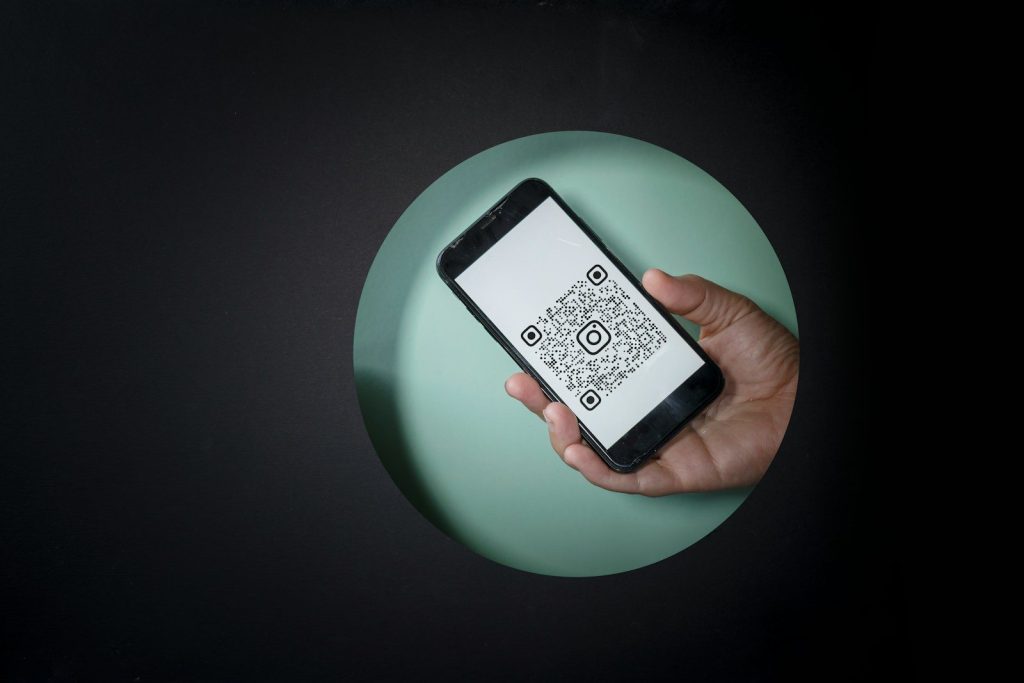
Both iOS and Android have a built-in document scanner sitting inside the native Notes and Files apps respectively, capable of capturing a flat, corrected scan of a physical document using the camera. iPhone users can also sign documents directly through the Markup tool without leaving the app. The number of people paying for a scanning subscription when this already exists in their phone is significant.
The Satellite Feature Most People Will Only Discover During an Emergency
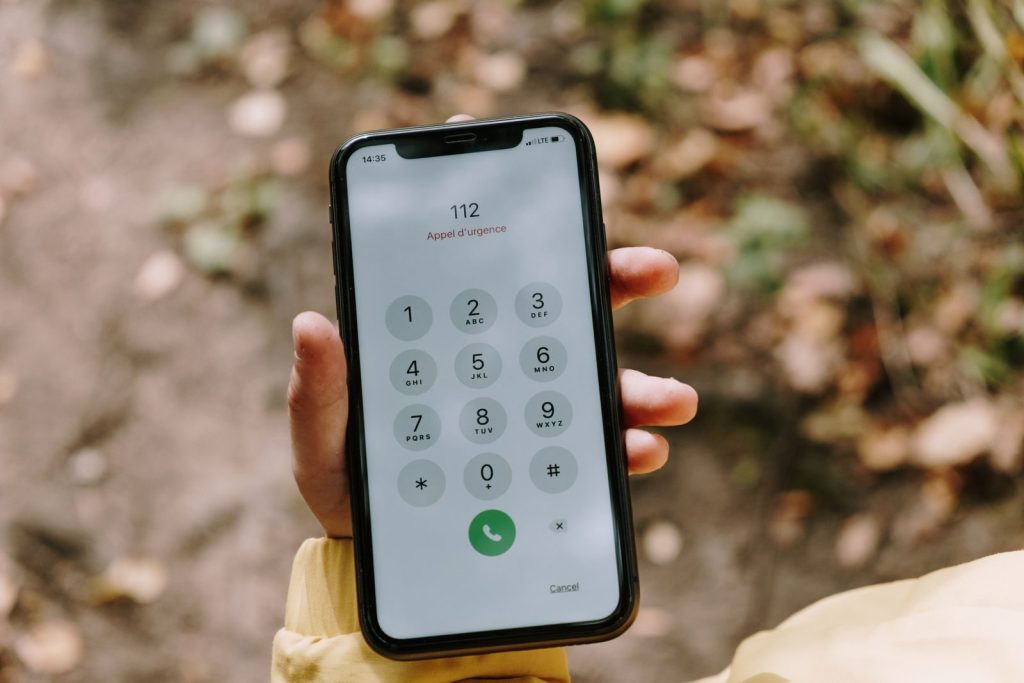
Newer smartphones include a built-in satellite communication feature that works without any cellular or Wi-Fi signal, designed for genuine emergencies in areas with no coverage. It is turned off by default on most devices and buried inside emergency settings, which means most people will only discover it exists at the worst possible moment rather than finding and testing it in advance.
Your Phone Has a Second Profile That Keeps Everything Separate
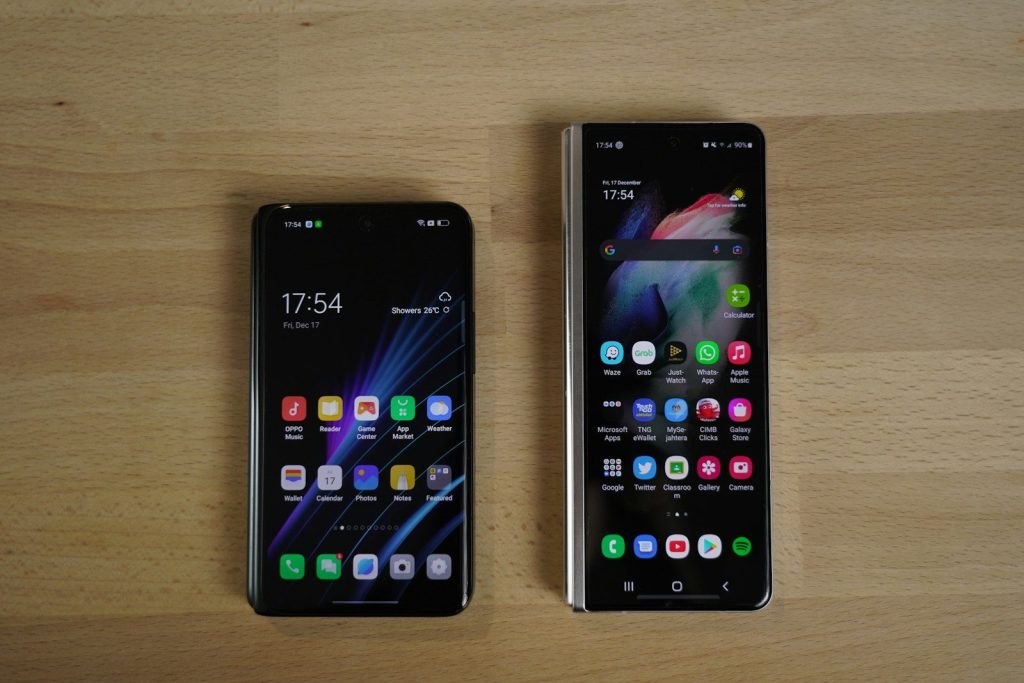
Android includes a Guest Mode that creates a completely clean, separate phone experience with no access to personal files, messages, photos, or accounts, activated in seconds from the quick settings panel. iPhone users have a similar option through Guided Access, which locks the device into a single app entirely. Both features exist specifically for the situation of handing your phone to someone else, and almost nobody knows either one is there.
Live Captions Work on Every Audio Playing on Your Phone, Not Just Video Calls
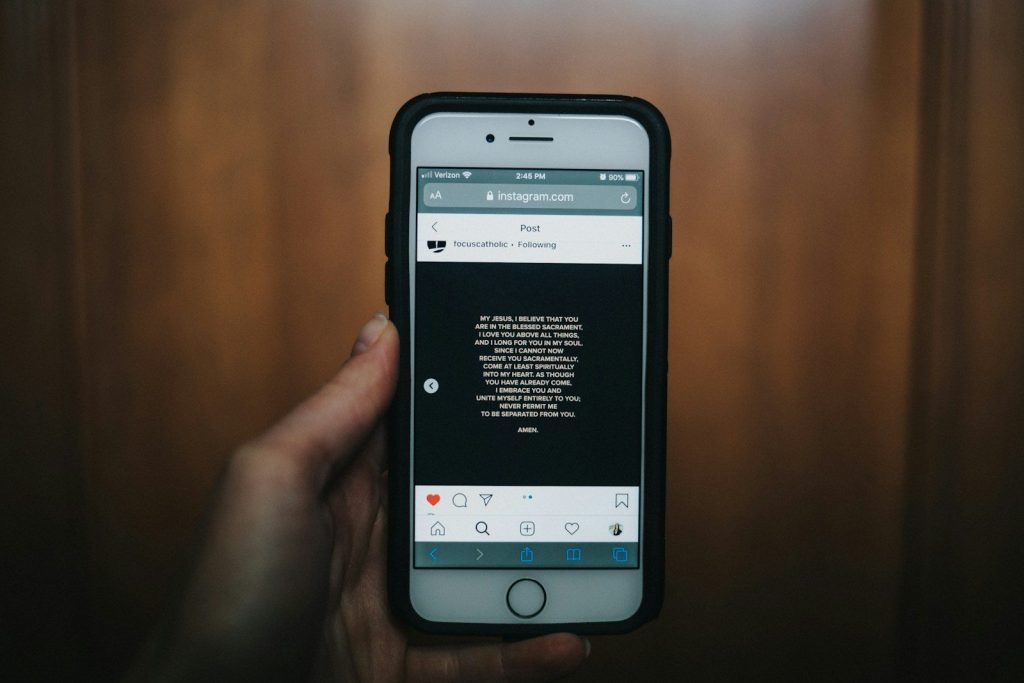
Android’s Live Caption feature automatically generates real-time captions for any audio playing on the device, including videos, podcasts, voice messages, and phone calls, entirely on-device with no internet connection required. It was built as an accessibility feature but works practically for anyone watching something in a noisy environment or without headphones. It sits inside accessibility settings on most Android phones and takes one tap to activate.
Notification History Recovers the Alert You Accidentally Dismissed
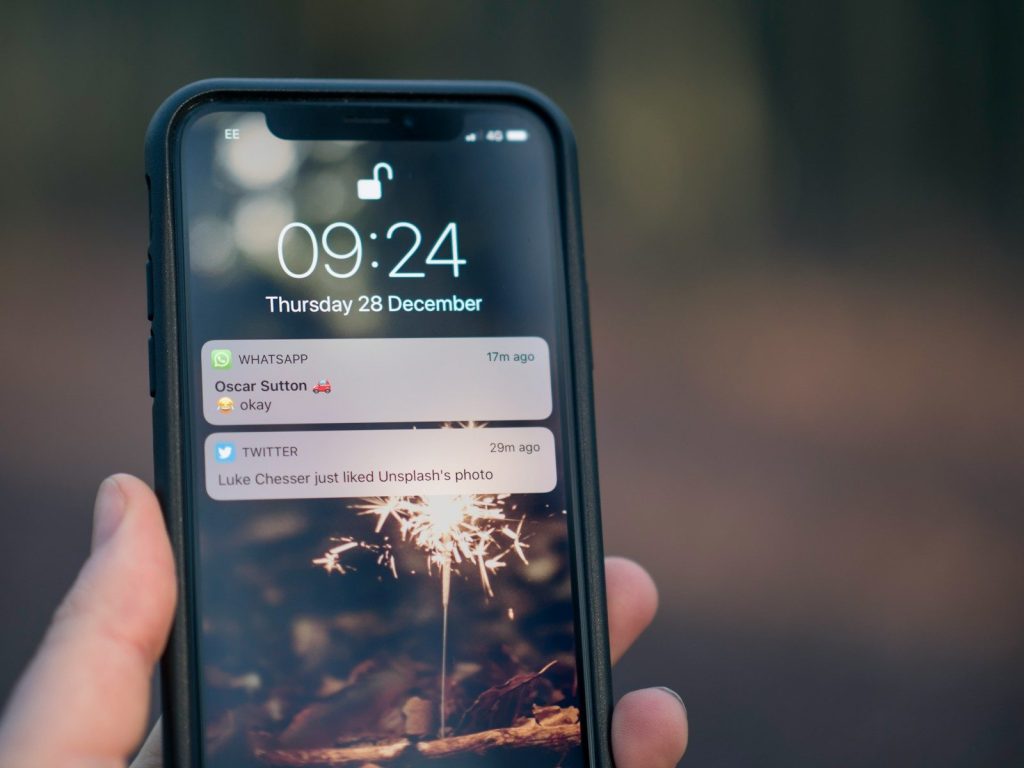
Android keeps a running log of every notification the phone has received, accessible through Settings under Apps and Notifications, which recovers any accidentally dismissed message or alert going back through recent history. iPhone users have a similar recovery option through the notification center’s earlier today section. The feature exists on almost every phone but almost nobody knows where to find it until they actually need it.
Your Phone Already Knows How to Do Things You Are Still Downloading Apps For

Every feature on this list was already sitting in your phone before you read this; no update required. The settings menu, most people treat as a place to adjust the volume, is actually where the most useful parts of the phone have been hiding the whole time.