

A phone with poor battery life does not always get old. Hidden settings and everyday habits often use more power than people realize, even when the device is sitting in your pocket.
The good news is that you do not need a new phone to see a difference. These simple battery-saving tricks can reduce unnecessary power use and help your device stay charged longer throughout the day.
Lower Screen Brightness the Smart Way
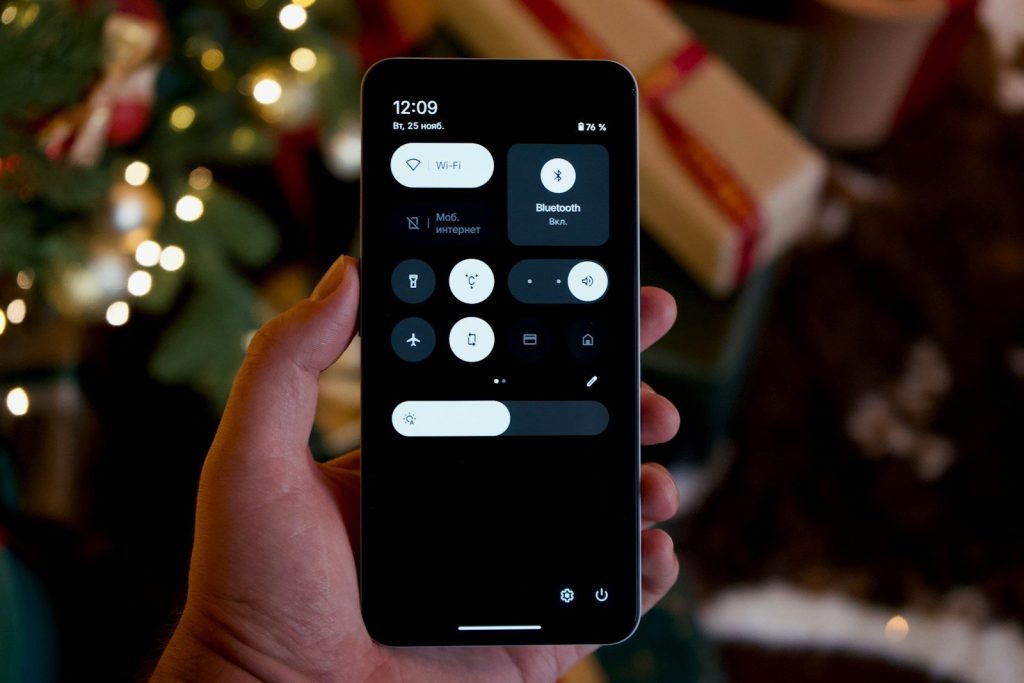
Your display is one of the biggest battery users on any phone. Keeping brightness at the highest level all day drains power much faster than necessary.
Use automatic brightness or adjust it manually based on your surroundings. A comfortable screen is usually brighter than it needs to be.
Review Apps Running in the Background
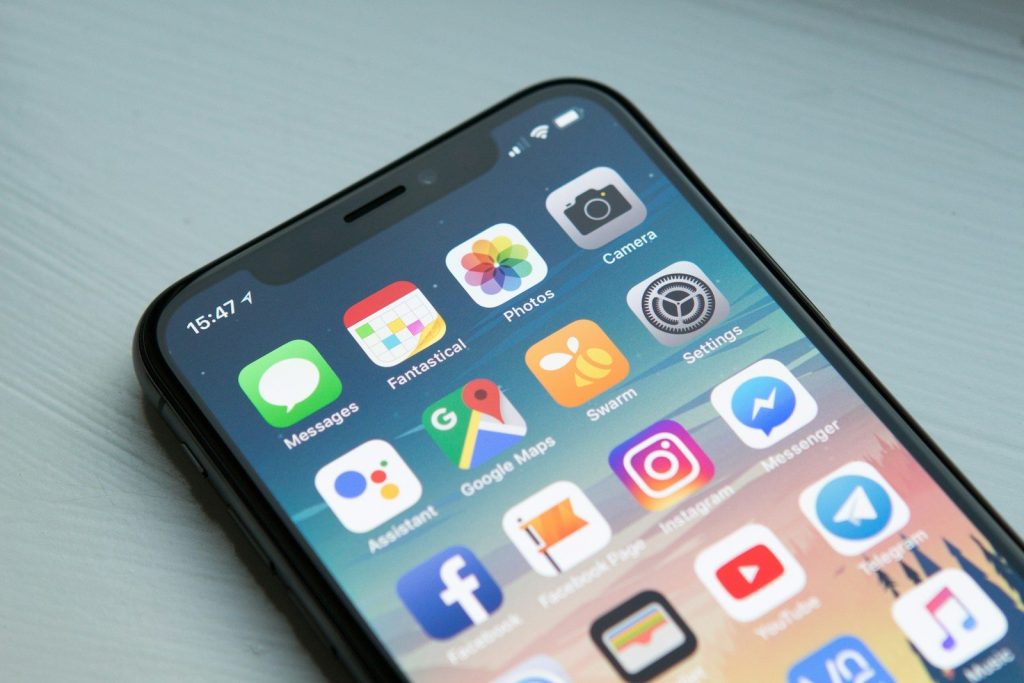
Some apps continue updating even after you stop using them. Checking background activity can reveal which ones quietly consume battery throughout the day.
Restrict unnecessary background access for apps that do not need constant updates. Small changes often produce noticeable improvements.
Turn Off Features You Rarely Use

Wireless features such as Bluetooth or location services can stay active even when they are not needed. Leaving them on all day adds unnecessary battery drain.
Switch them on only when required. This simple habit helps conserve power without affecting daily convenience.
Limit Unnecessary Notifications
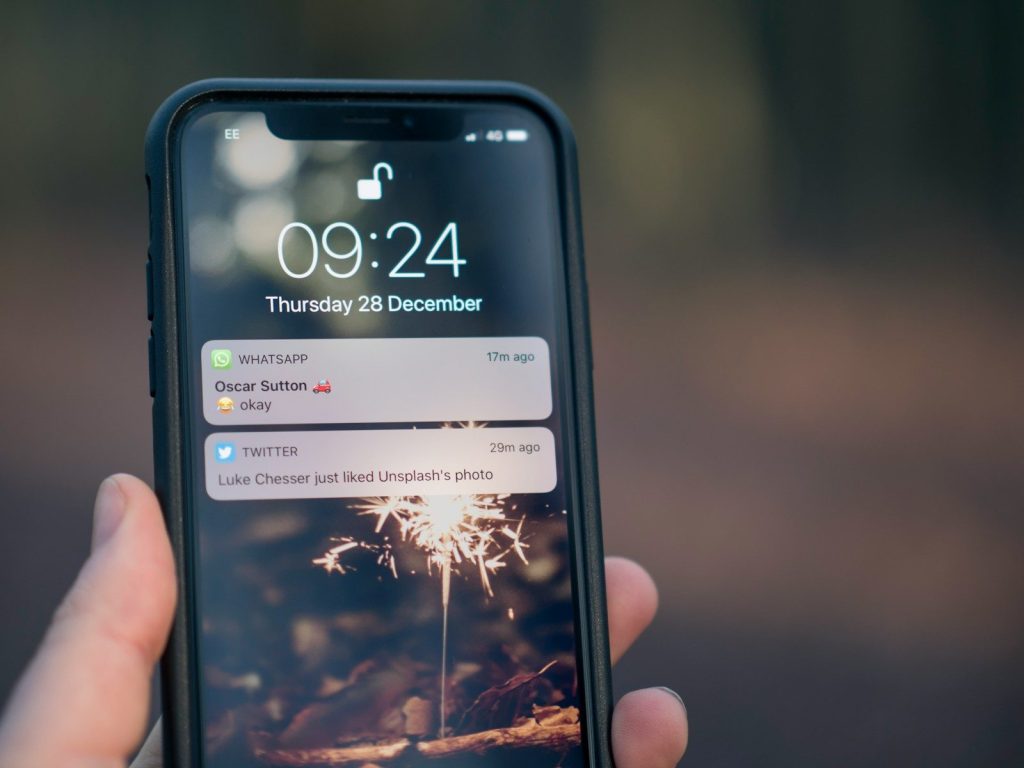
Every notification wakes your screen and activates background processes. Hundreds of alerts each day can slowly reduce battery life without you noticing.
Keep notifications only for apps that truly matter. Fewer interruptions also make your phone less distracting.
Use Battery Saving Modes Wisely
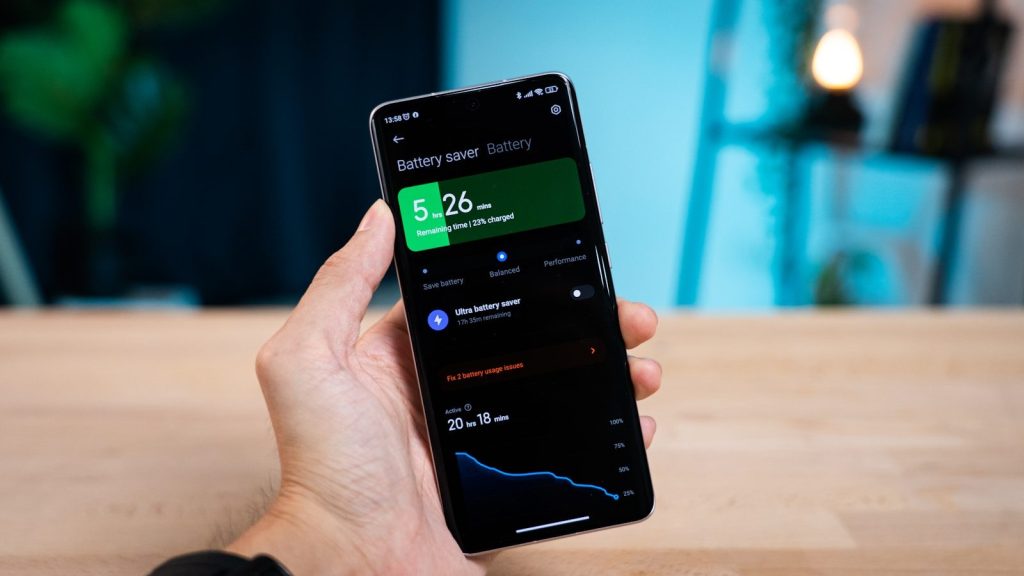
Most phones include built-in power-saving options that reduce unnecessary activity. Turning them on during busy days can extend battery life without major compromises.
Experiment with different settings to find a balance between performance and endurance. You may barely notice the difference in everyday use.
Keep Your Software Updated
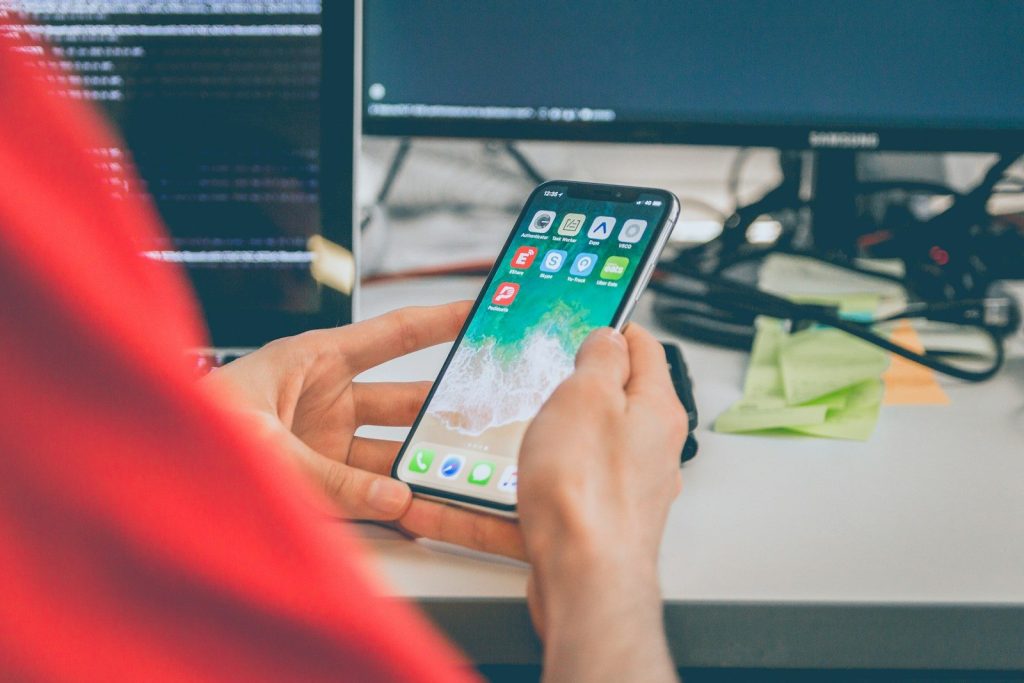
Software updates often include improvements that make battery management more efficient. Delaying updates could mean missing important performance fixes.
Install updates when convenient and restart your device afterward. Regular maintenance keeps everything running more smoothly.
Watch Which Apps Use the Most Power

Most phones include a battery usage screen showing which apps consume the most energy. Reviewing this information helps you spot unexpected battery drains.
If one app stands out, check its settings or usage habits. Understanding the cause is the first step toward fixing it.
Restart Your Phone Every So Often

Many people rarely restart their phones, allowing temporary processes to build up over time. A simple restart can refresh the system and improve efficiency.
Making this part of your routine helps your device perform more consistently. Sometimes the easiest battery trick is also the most overlooked.