

Your smart TV has more features than most people ever use. A few hidden settings can improve speed, picture quality, and everyday convenience without buying any new equipment.
Instead of replacing a TV that feels slow or outdated, spend a few minutes exploring what is already built in. These simple tricks can refresh your viewing experience and help your television perform at its best.
Update the Software First
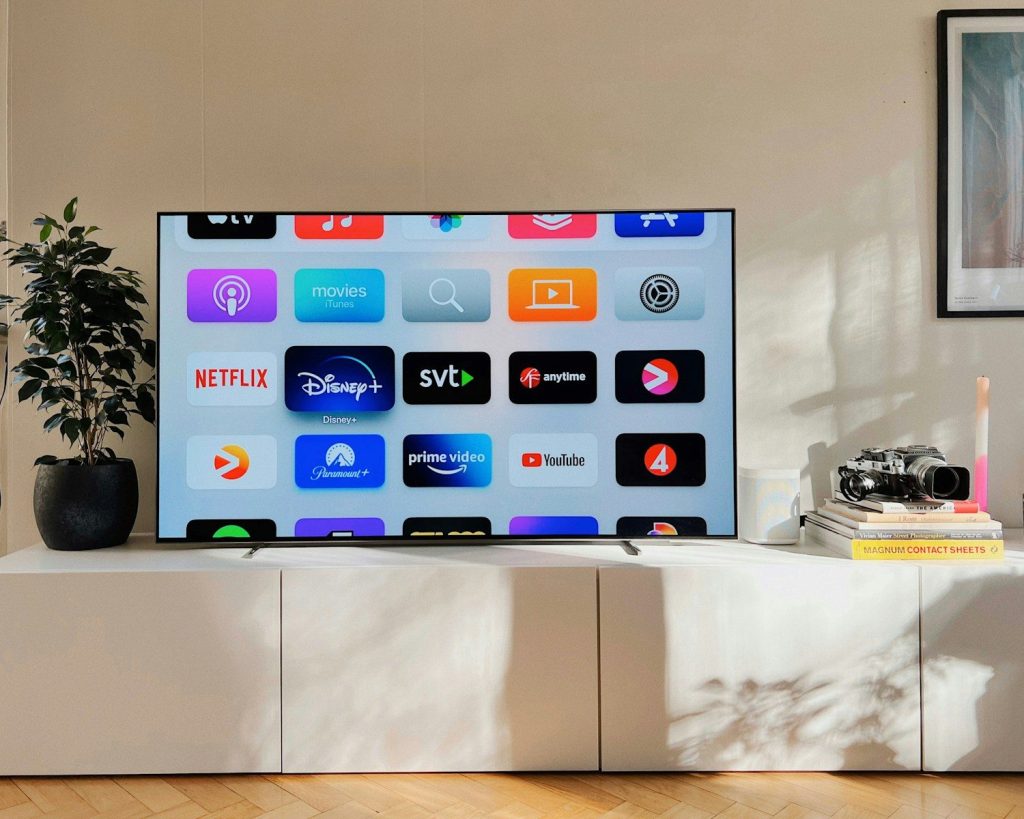
Before changing any settings, check for the latest software update. Manufacturers often release improvements that fix bugs and boost overall performance.
Keeping your TV current can also unlock new features. It is one of the quickest ways to make an older device feel more responsive.
Adjust the Picture Mode
Many televisions use bright display settings designed for store shelves instead of living rooms. Switching to a picture mode that matches your space often creates a more natural image.
Try different options while watching familiar content. Small adjustments can improve color, contrast, and overall comfort during long viewing sessions.
Remove Apps You Never Use
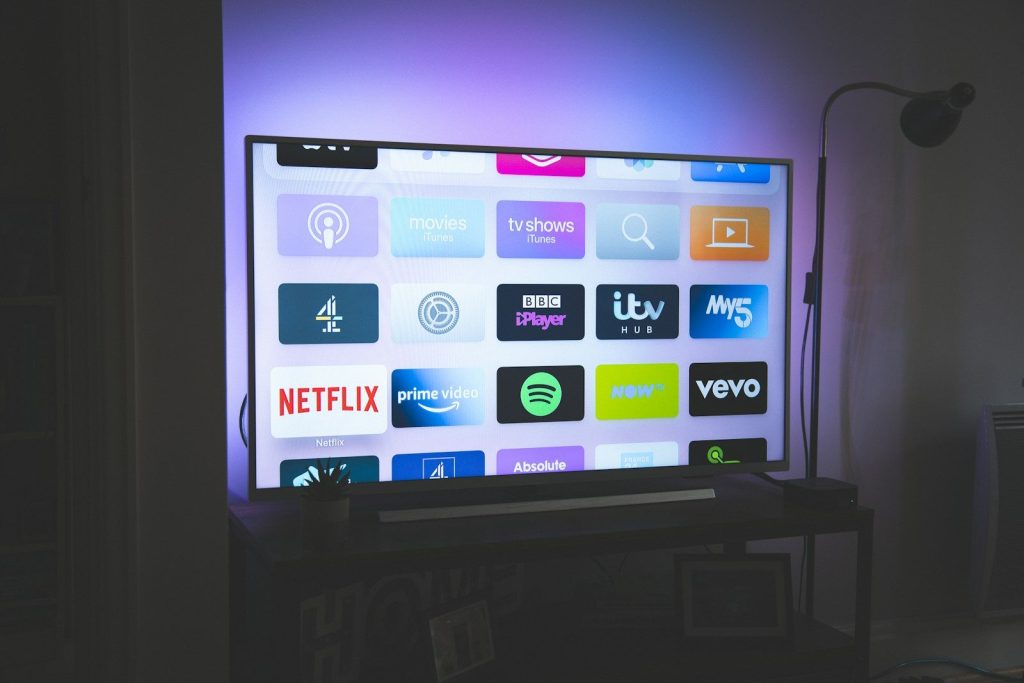
Unused apps take up storage and make menus feel crowded. Deleting programs you no longer need helps keep navigation cleaner and easier.
Less clutter can also improve overall responsiveness. It becomes faster to find your favorite streaming services without scrolling through unnecessary icons.
Turn Off Unneeded Features
Some background features continue running even when you rarely use them. Disabling unnecessary options can reduce distractions and improve system performance.
Review your settings menu every few months. You may discover features that no longer match how you actually use your television.
Customize Your Home Screen
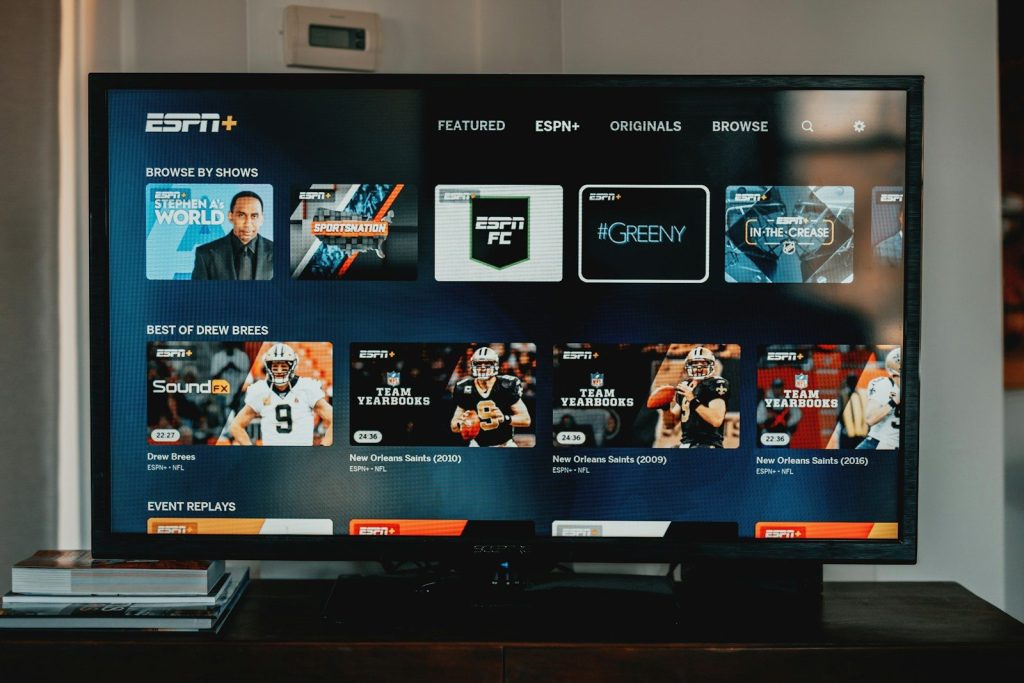
Arrange your most used apps near the front of the home menu. This small change cuts down the time spent searching every time you turn on the TV.
A personalized layout also creates a smoother experience for everyone in the household. Convenience often comes from better organization rather than new hardware.
Improve Your Internet Connection

Streaming quality depends heavily on a stable network. If videos buffer often, moving your router or using a wired connection may improve performance.
A stronger connection helps apps load faster and reduces interruptions. Better streaming starts with a reliable internet setup.
Check Energy Saving Options
Some power-saving settings automatically reduce screen brightness or limit performance. Reviewing these options helps you decide whether efficiency or picture quality matters more.
Adjust them to fit your viewing habits instead of leaving default settings unchanged. The difference can be surprisingly noticeable.
Restart Your TV Once in a While
Many people leave their televisions running in standby mode for weeks. A full restart clears temporary issues and can improve responsiveness.
Making this a regular habit helps your smart TV continue running smoothly. Sometimes the simplest maintenance trick delivers the biggest improvement.