

QR codes are everywhere, from restaurant menus to event tickets and product packaging. They make everyday tasks quicker, but a few simple habits can help you use them more confidently while avoiding common mistakes.
Most people scan without thinking twice, even though a quick check can prevent wasted time or risky clicks. These practical QR code tips make everyday scanning smoother, safer, and much more efficient.
Pause Before Every Scan
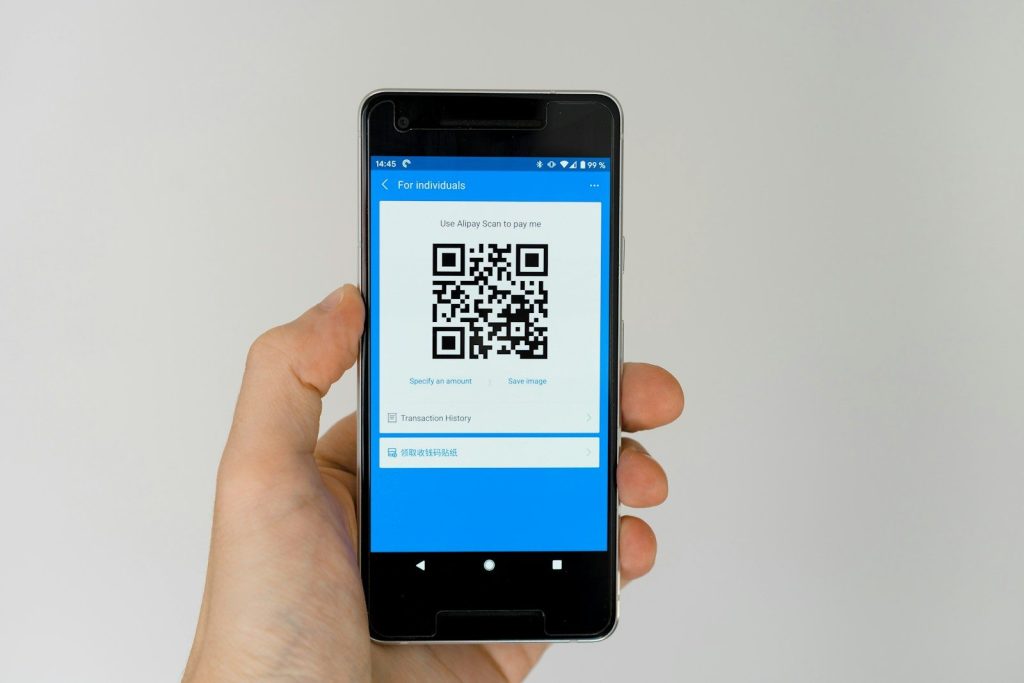
Take a quick look at where the QR code is displayed before scanning. Codes on official signs, trusted packaging, or business materials are generally more reliable than random stickers.
A few extra seconds can help you notice anything unusual. That simple habit makes scanning feel more intentional and reduces unnecessary risks.
Preview the Link First

Many phones show the website address before opening it. Always check the destination so you know exactly where the code is sending you.
If the web address looks unfamiliar or suspicious, skip it. Trustworthy websites usually have clear names that match the business or service.
Keep Your Camera Lens Clean
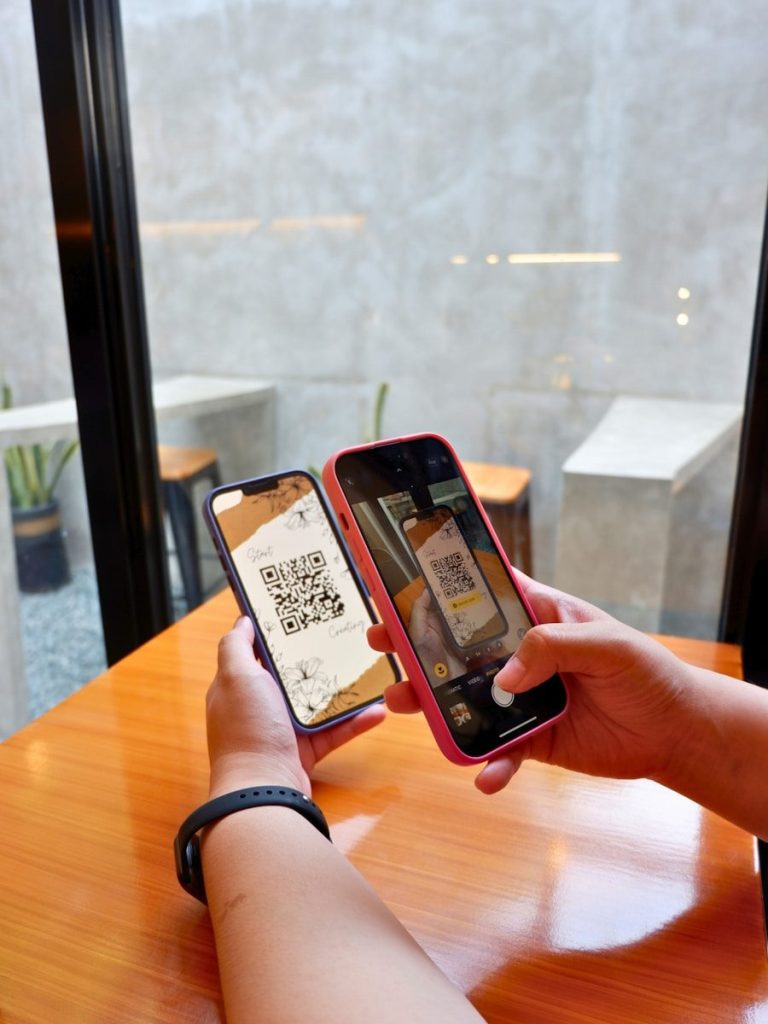
A dirty camera lens can make scanning slower than necessary. Wiping it with a soft cloth often improves speed and accuracy right away.
Better image quality helps your phone recognize codes more quickly. That means less waiting and fewer repeated scan attempts.
Watch Out for Covered Codes

Scammers sometimes place fake stickers over legitimate QR codes in public places. Look closely for signs that a label has been placed on top of another one.
If something seems out of place, use another trusted source instead. Small observations can prevent much bigger problems later.
Use Built-In Scanning Tools
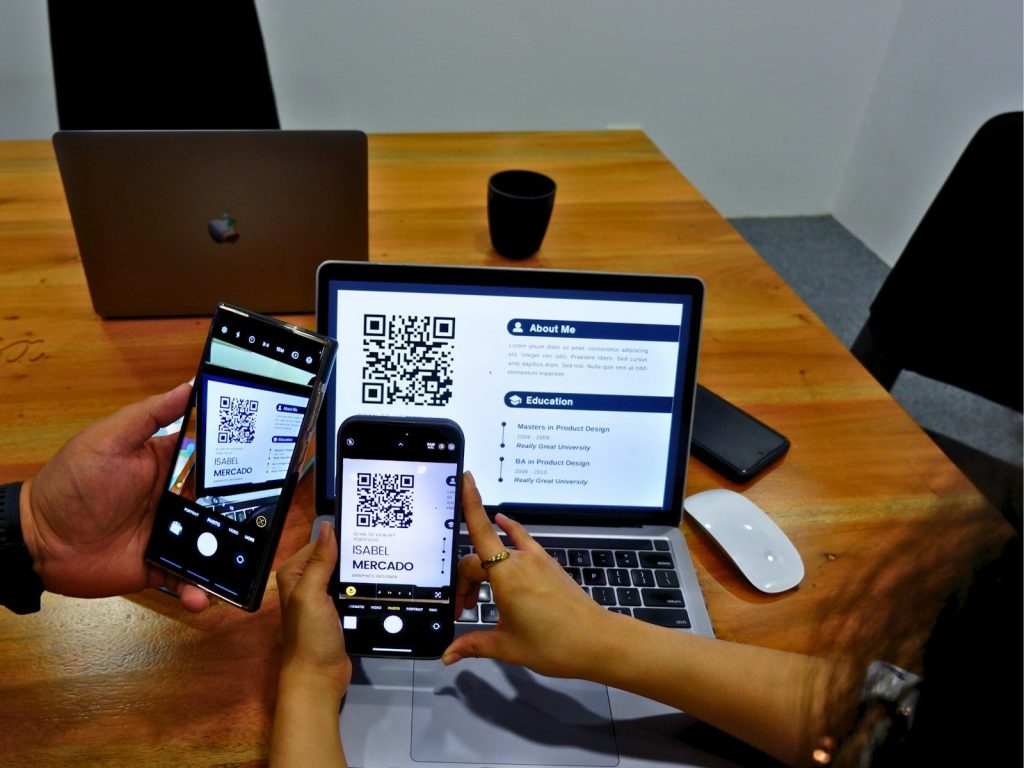
Most modern smartphones include QR scanning directly in the camera app. Using built-in tools reduces the need to install extra scanning apps.
Fewer apps also mean fewer permissions to manage. Keeping things simple often creates a safer and smoother experience.
Avoid Sharing Personal Details Too Quickly
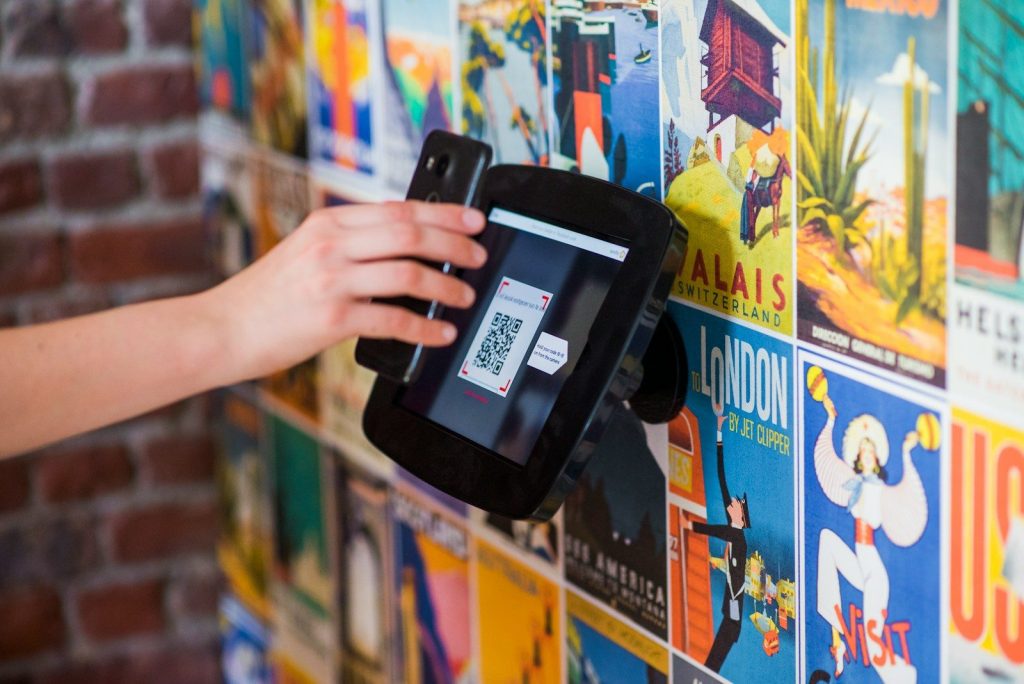
Some QR codes lead to forms requesting personal or financial information. Read the page carefully before entering anything important.
If you were not expecting to provide sensitive details, take a moment to verify the website first. A little caution goes a long way.
Save Important Links for Later

When a QR code opens useful information, bookmark the page instead of scanning the code repeatedly. This saves time the next time you need it.
Creating a small collection of trusted links also makes frequently used resources easier to find. Your future self will appreciate the shortcut.
Keep Your Phone Updated
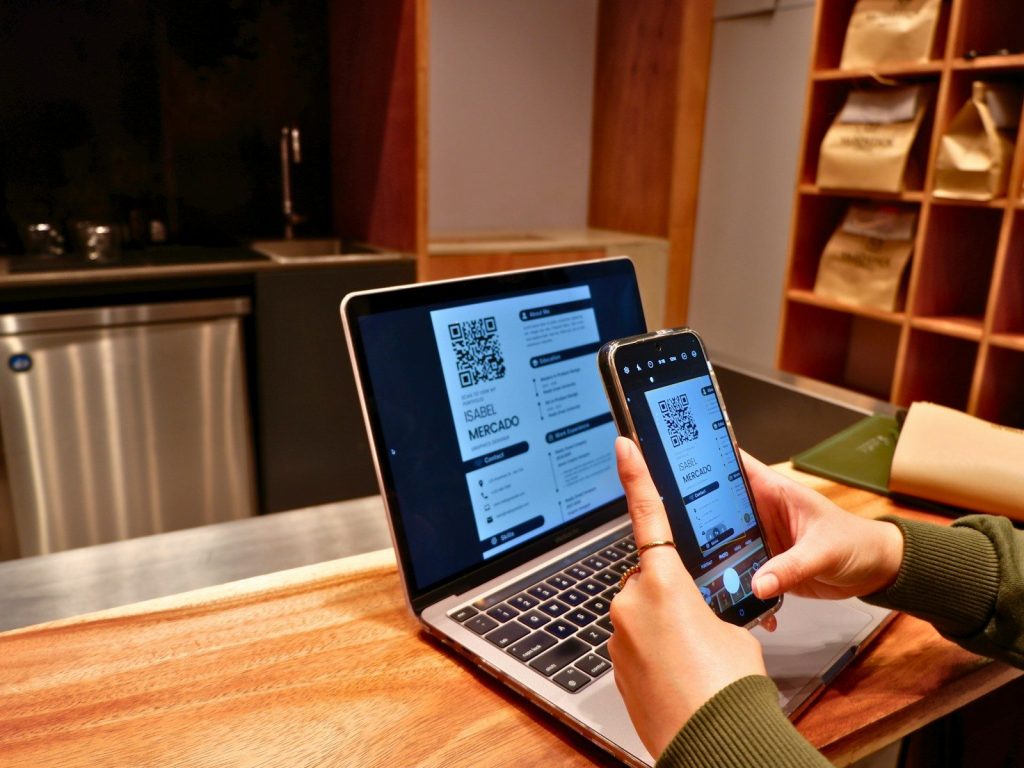
Regular software updates improve both security and performance. An updated device is better prepared to handle modern websites and scanning features.
Combining updated software with smart scanning habits creates a smoother experience every day. Simple routines often provide the biggest benefits without adding extra effort.