
Watching videos can be fun, but it is also easy to lose track of time. A few overlooked settings and smarter viewing habits can help you enjoy the content you want without getting pulled into endless distractions.
You do not need special apps or complicated tools to improve your experience. These practical YouTube tricks can help you watch more efficiently, stay focused, and spend less time scrolling for your next video.
Start With Search Instead of the Home Feed
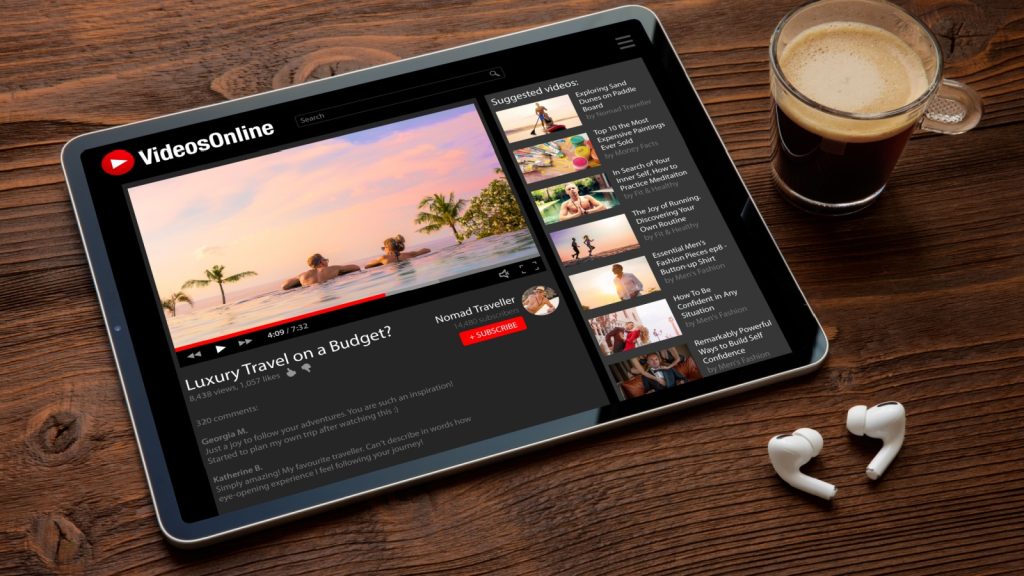
Open YouTube with a specific goal in mind instead of browsing the home page. Searching directly for what you need reduces random recommendations that can quickly steal your attention.
Save useful creators to playlists or subscriptions after finding them. That way, you spend more time watching valuable content and less time hunting for it later.
Speed Up Videos Without Missing the Good Parts
Many videos remain easy to follow at slightly faster playback speeds. Increasing playback even a little can save valuable time across multiple videos each week.
Adjust the speed based on the type of content. Tutorials may need a slower pace, while interviews or casual discussions often sound natural when played faster.
Jump Straight to the Most Useful Sections
Many videos include chapters that let you skip directly to the information you need. Checking these timestamps can save several minutes on longer uploads.
If chapters are unavailable, use the progress bar to preview key moments. You will reach the important parts faster without watching every second.
Turn Playlists Into Learning Shortcuts
Collect videos on similar topics into playlists instead of relying on your watch history. Everything stays organized and is easier to revisit when needed.
Playlists also reduce unnecessary searching between videos. That keeps your attention on learning instead of browsing for the next recommendation.
Keep Notifications Under Control
Receiving alerts from every channel can quickly become overwhelming. Enable notifications only for creators whose uploads you genuinely never want to miss.
Fewer alerts create a cleaner experience throughout the day. You stay informed without feeling interrupted every time someone posts a new video.
Watch Later Can Be More Useful Than You Think
Instead of opening every interesting video immediately, add it to your Watch Later list. This prevents your current viewing session from turning into hours of endless watching.
Review that list when you actually have free time. You will enjoy videos with better focus and less pressure to keep clicking.
Clean Up Your Recommendations Regularly
Your recommendations improve when you remove videos you no longer care about from your watch history. Small changes help the platform better understand your current interests.
Selecting fewer unwanted suggestions gradually creates a more useful homepage. That means less scrolling and more relevant content every time you visit.
Create Better Viewing Habits With Simple Limits
Decide how much time you want to spend before opening YouTube. A simple limit helps you enjoy videos without accidentally losing an entire afternoon.
Pair that habit with intentional viewing instead of constant browsing. Small adjustments make YouTube feel more helpful while keeping distractions under control.