

Most people set up a router once and never open its settings again, which is exactly what hackers are counting on. A router running on its factory password, outdated software, and default settings left untouched gives them an easy way in, and none of these fixes takes more than a few minutes.
The First Thing a Hacker Checks Is Whether You’ve Ever Changed This
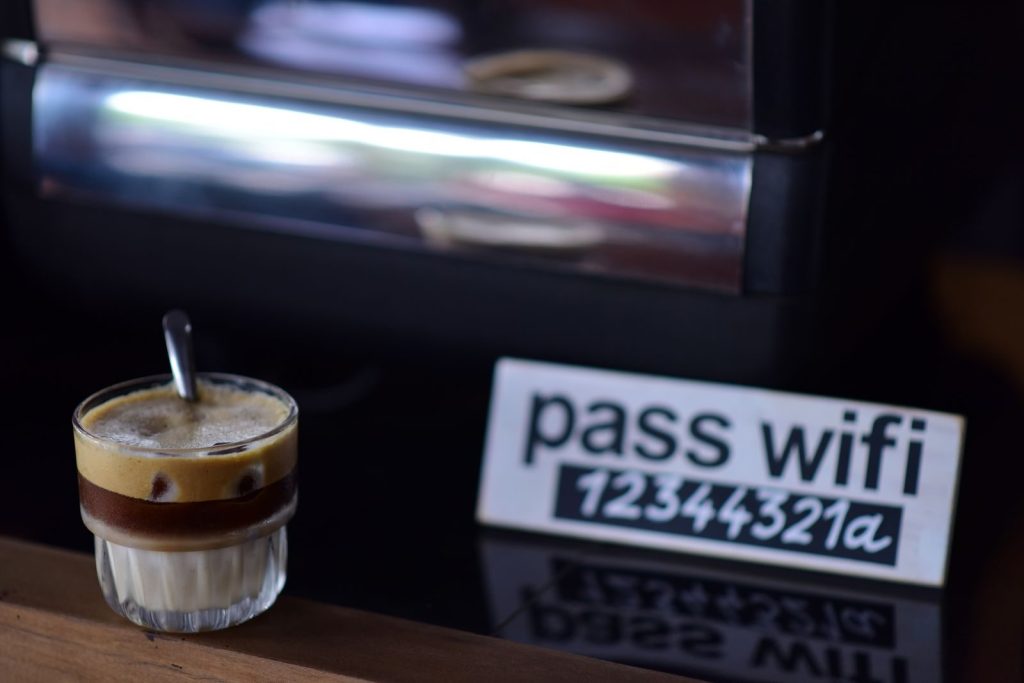
Most routers ship with a default username and password printed right on a sticker on the device itself, and most people never change it. Setting a unique, strong password through the router’s admin settings closes off the single easiest point of entry there is.
Outdated Software Leaves the Door Wide Open
Router manufacturers regularly release updates that patch known security holes, but those updates do nothing sitting unapplied. A quick check on a phone connected to the router’s app, where most modern routers now show update alerts directly, takes under a minute.
There’s a Setting Hackers Quietly Hijack Without You Ever Noticing
A setting called DNS controls how your router translates a website address into the actual server it connects to, and it’s one of the more commonly tampered-with settings on a compromised router. Picture it as a switchboard operator for every device in the house, and a hijacked one quietly redirects everything that passes through it.
Switch Off the One Feature That Lets Hackers In From Anywhere

Many routers ship with remote management switched on by default, a feature that allows the router to be accessed and changed from outside the home network. Unless there’s a specific reason to manage it remotely, turning this off removes an entire avenue hackers use to get in undetected.
The Cheapest Fix Costs Nothing and Takes Seconds
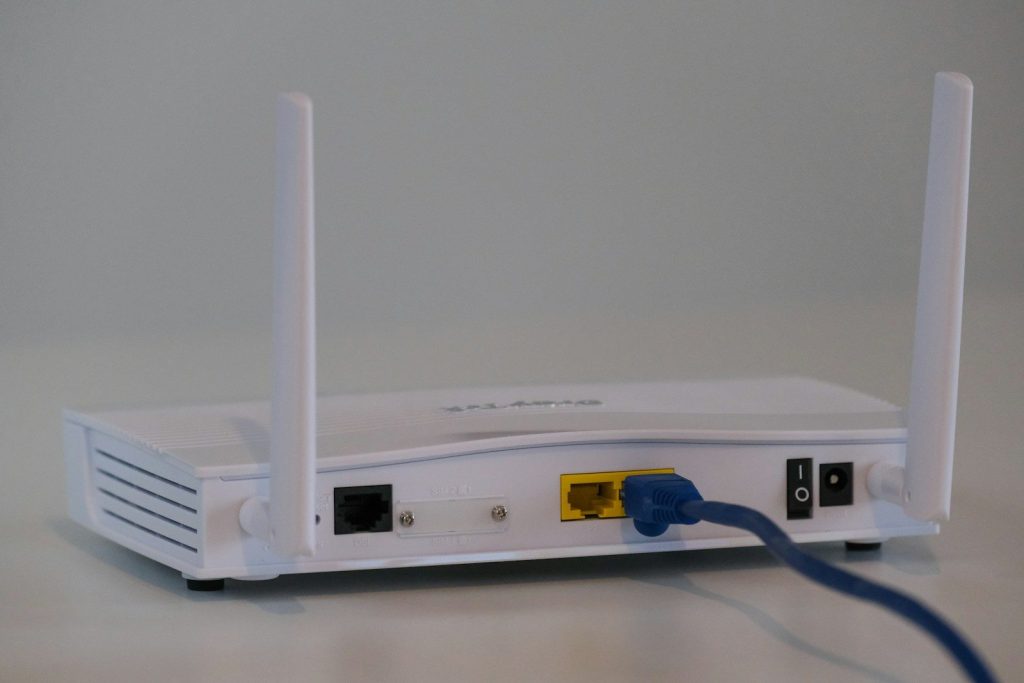
Some forms of router-based malware live only in temporary memory and get cleared out by a simple reboot. It costs nothing and takes thirty seconds, making it one of the easiest habits to actually keep up with on a regular basis.
Some Routers Can’t Be Saved, No Matter How Many of These You Try
A router that’s stopped receiving security updates from its manufacturer can’t be properly protected, no matter how careful someone is with everything else on this list. If it’s several years old and no longer supported, replacing it is a more reliable fix than defending a device the manufacturer has already moved on from.
Give Hackers Less to Work With by Splitting Your Network in Two

Smart plugs, cameras, and other connected gadgets are often less secure than computers and phones, so keeping them on a separate guest network limits what hackers can reach, even if one device gets compromised. Most routers support this as a built-in feature that just needs to be turned on.
None of These Hacks Requires Any Real Technical Skill
A unique password, updated software, and a network that’s actually split in two are the basics that keep hackers locked out for good. A few minutes inside settings most people never open is the only investment required.