

Most people notice the lights and internet connection on their router, but ignore one small feature sitting right on the back. That overlooked port could unlock simple tricks that make your home setup more useful without buying extra gadgets.
Your router may already have tools built in that can help with storage, sharing files, and improving everyday convenience. These easy hacks can turn a basic device into something much more practical with just a few simple steps.
Unlock a Forgotten Port
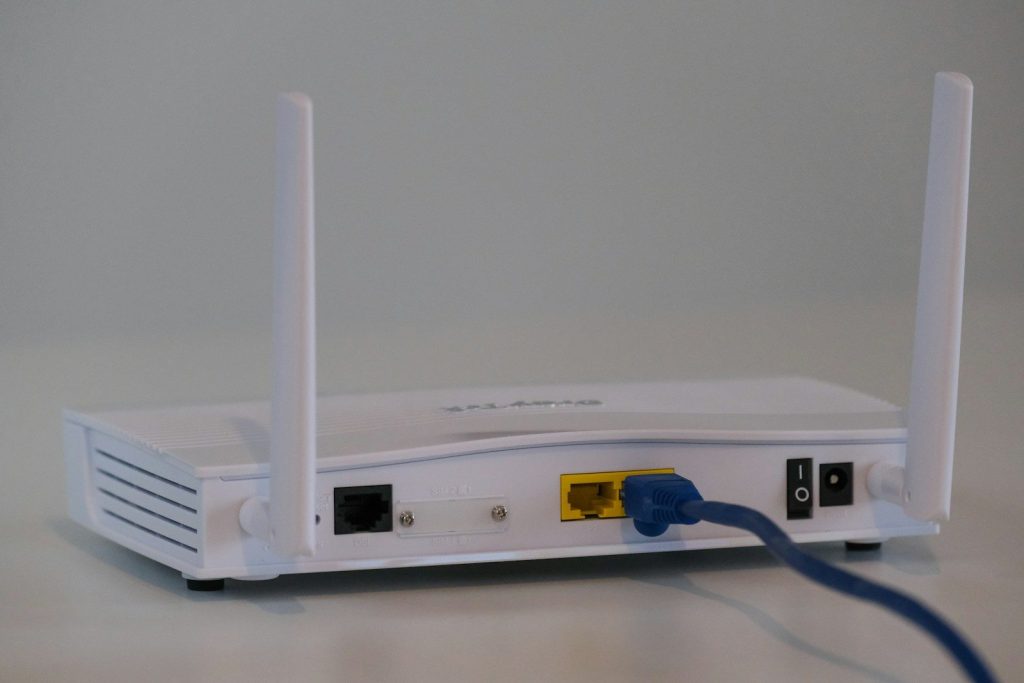
That little USB port on your router is often ignored, but it can become a handy tool around your home. Many routers support USB devices, meaning you may be able to connect storage drives or other accessories and give your network extra abilities without adding another machine.
Before buying new equipment, check your router settings to see what features are available. A quick look at the admin page could reveal options that have been sitting unused for years, waiting for you to activate them.
Turn Your Router Into a Hub
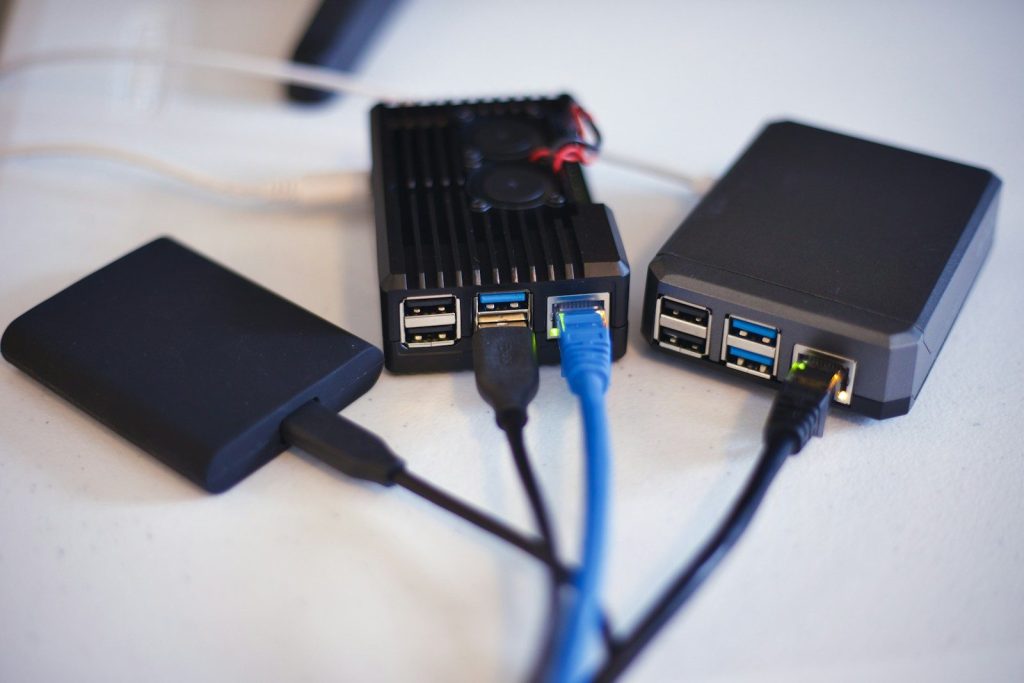
One of the easiest router hacks is connecting a USB flash drive or external hard drive to create shared storage. Instead of moving files between computers manually, you can access important documents, photos, and media from different devices on your network.
This setup can be useful for families, roommates, or anyone with multiple gadgets. You may be able to store files in one place and open them from laptops, phones, or tablets without constantly plugging drives into different devices.
Keep Files Safer
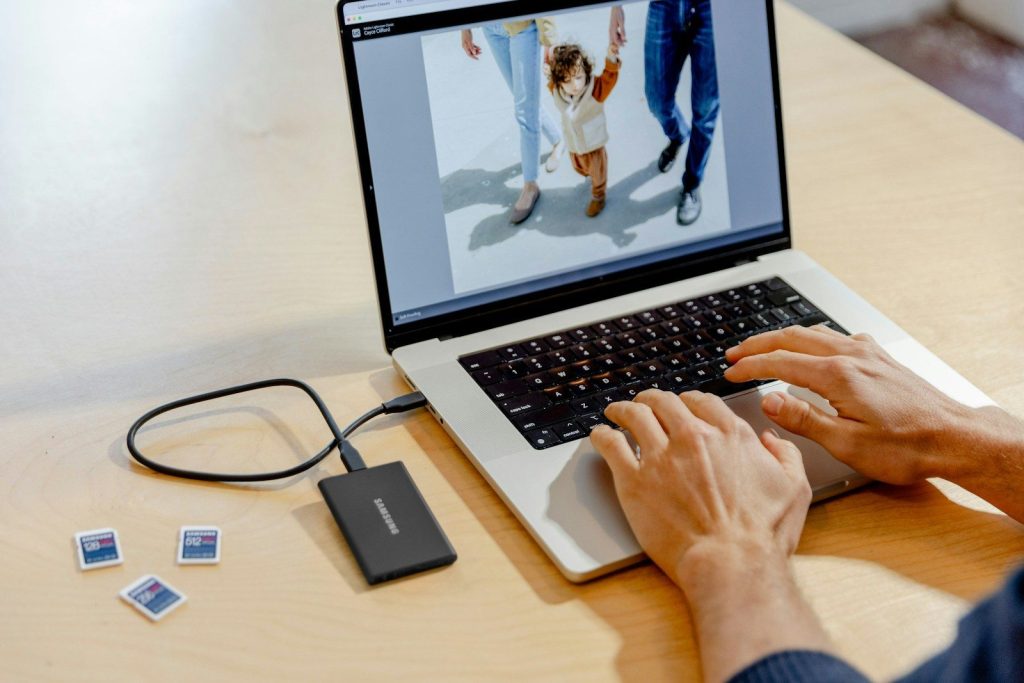
A connected USB drive can become a simple backup solution for your everyday files. Photos, work documents, and personal projects can have an extra copy stored through your home network, giving you another layer of protection.
This hack is especially useful if you forget to back up your devices regularly. While it may not replace professional backup services, it can provide a convenient safety net for files you do not want to lose.
Media For Easier Streaming
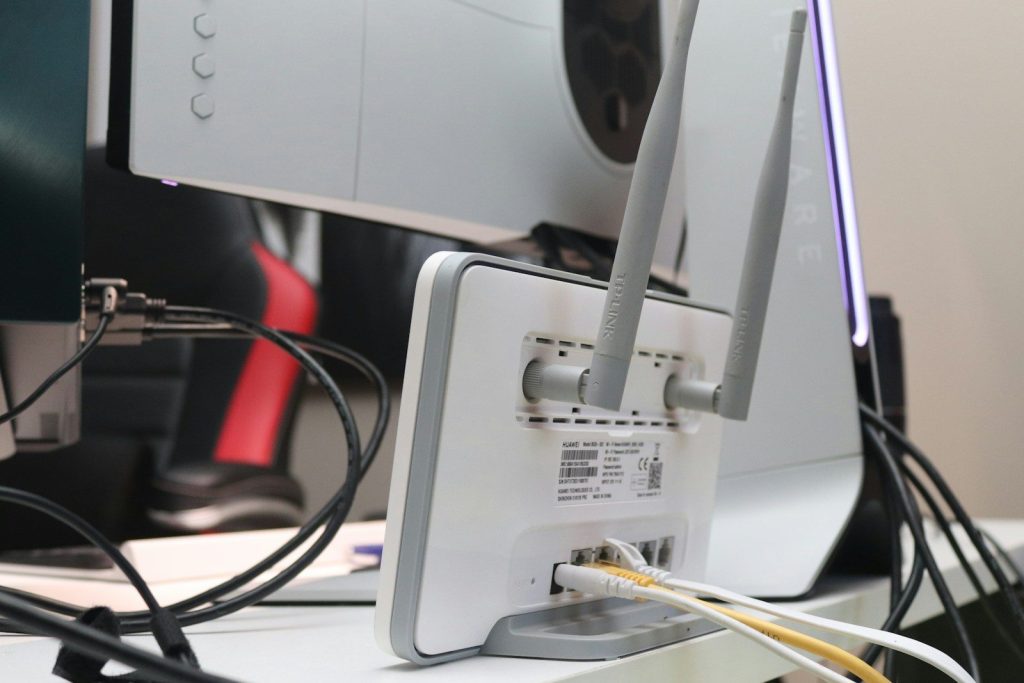
Your router’s USB port may also help create a personal media setup. Some models can share music, movies, and pictures stored on a connected drive,e so different devices around your home can access them.
Instead of filling every device with the same files, you can keep your collection in one location. This simple trick can make entertainment setups cleaner and reduce the need for extra storage accessories.
Printing Without Extra Connections
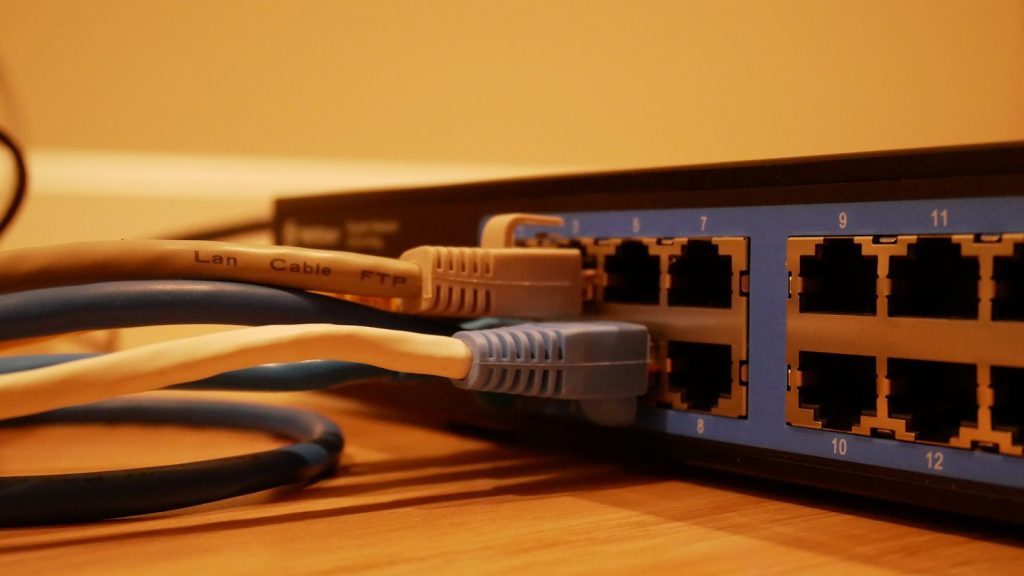
Some routers allow USB printers to connect through the network. This means multiple computers may be able to use the same printer without moving cables around every time someone needs it.
This can be a smart home office hack when several people share one workspace. A single connection through the router may make printing easier and help keep desks less cluttered with unnecessary wires.
Setup That Saves You Time
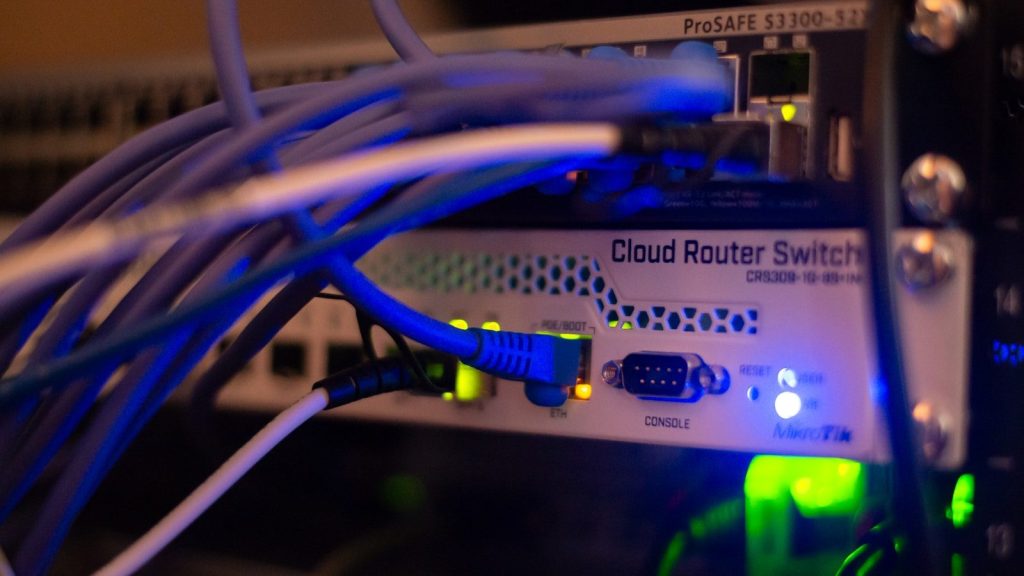
Before connecting random devices, check your router manual or settings page because support varies between models. Not every USB port works the same way, and some are designed only for specific uses.
A few minutes of checking can prevent frustration and help you discover hidden features safely. Router settings often include useful options that many users never explore after the first installation.
Safety For Using Router USB Features
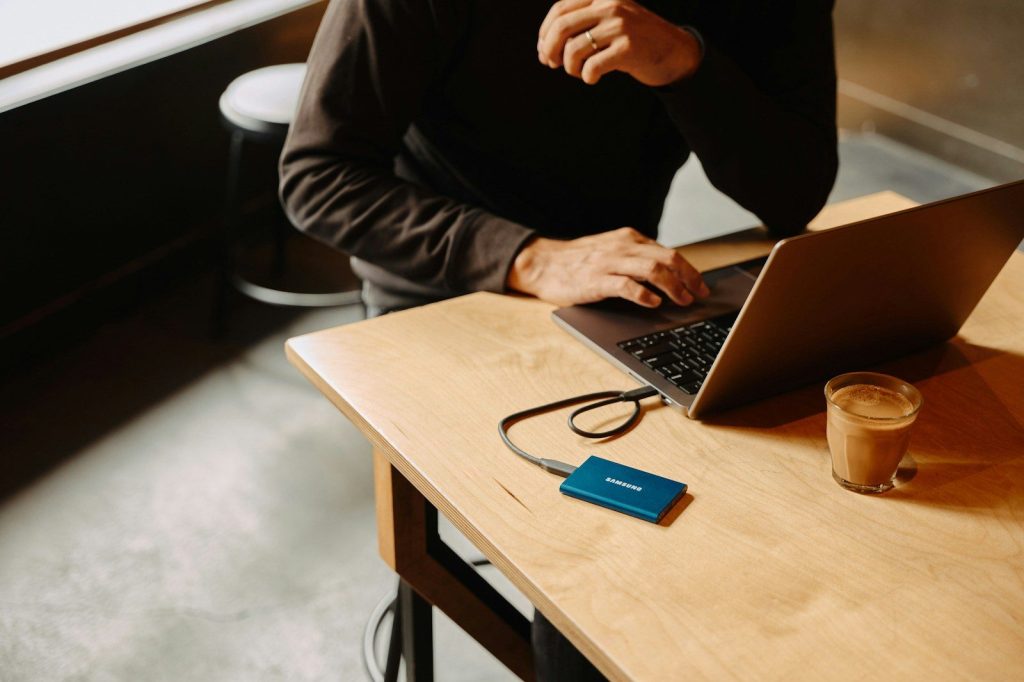
When using your router’s USB abilities, keep security in mind. Shared drives can sometimes expose files across your network, so use passwords and access controls whenever those settings are available.
Avoid connecting unknown devices just because they fit the port. Treat your router like a small network computer and protect it with updated software, strong passwords, and smart device choices.
Get More From Old Tech
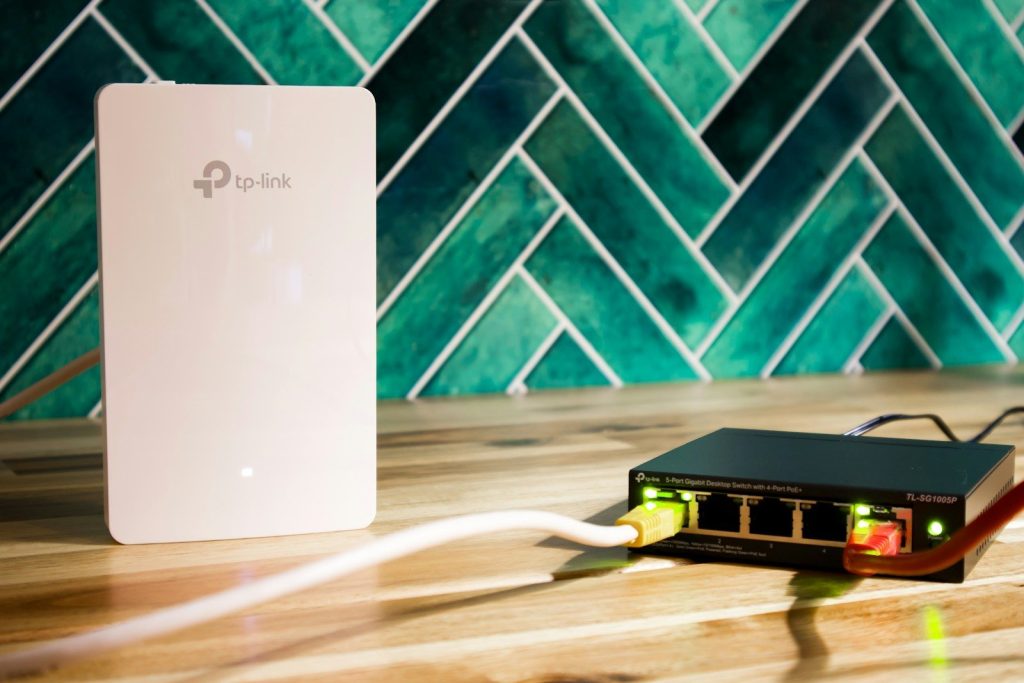
A router is not just a box that delivers WiFi. With the right setup, it can become a useful part of your digital routine and help you get more value from hardware you already own.
Exploring unused features is often the easiest way to improve your setup. That tiny USB port could be one of the simplest upgrades hiding in plain sight at home.