

Most people use the same power setting every day without giving it much thought. Yet one simple choice can affect startup speed, energy use, performance, and even long-term system health.
The good news is that there is no universal answer. A few practical PC hacks can help you decide when Sleep mode makes sense and when a full shutdown is actually the smarter move.
The Speed Hack
One of the biggest reasons people use Sleep mode is convenience. Your computer can wake up in seconds, allowing you to jump back into work, gaming, or browsing without waiting through a full startup process.
This hack is especially useful if you use your PC multiple times throughout the day. Instead of repeatedly opening programs and files, everything stays ready for quick access whenever you return.
The Energy Saving Hack
Many users assume Sleep mode consumes no power, but that is not entirely true. Your computer continues using a small amount of electricity to keep your current session available.
A useful power-saving hack is shutting down the PC when it will sit unused for long periods. Overnight absences or weekend breaks can make a complete shutdown a more efficient option.
The Performance Refresh Hack
Over time, background processes can accumulate and consume system resources. Even powerful computers may start feeling less responsive after days or weeks without a proper restart.
A simple performance hack is performing a full shutdown or restart regularly. This clears temporary issues, refreshes memory usage, and often resolves minor glitches that develop during extended use.
The Update Management Hack
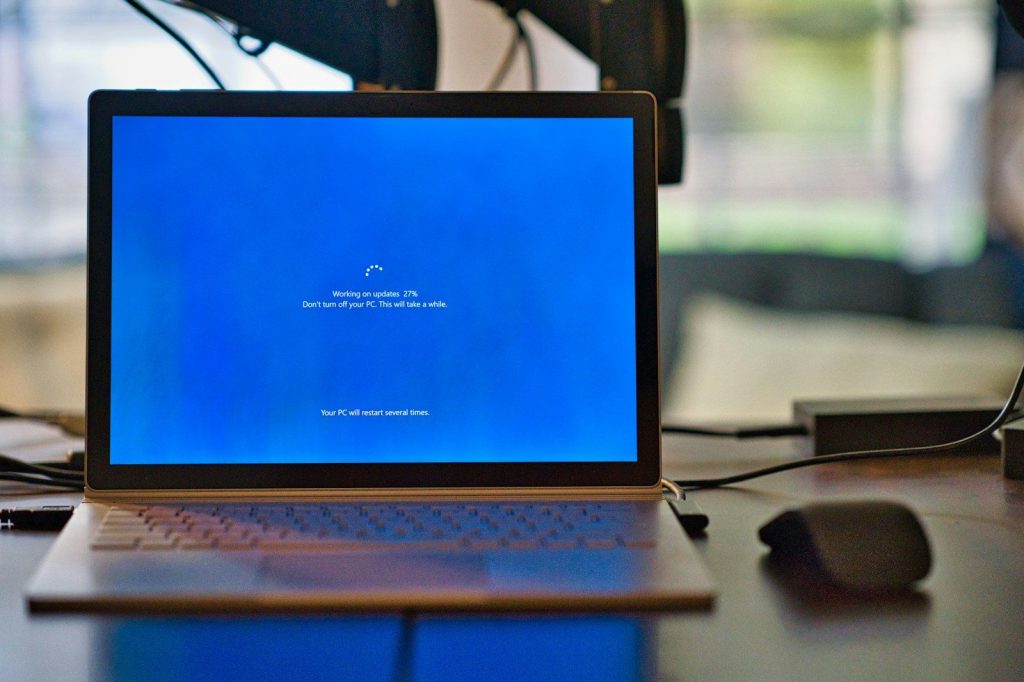
Operating system updates often require restarts to install correctly. Users who rely exclusively on Sleep mode may unintentionally delay important updates and security improvements.
A smart maintenance hack is shutting down or restarting your PC several times each week. This helps ensure updates are applied promptly while keeping the system running smoothly.
The Hardware Longevity Hack
Many people worry that frequent shutdowns harm computer hardware. Modern systems are designed to handle normal startup and shutdown cycles without significant wear.
The better longevity hack is avoiding excessive heat and keeping components clean. Whether you choose Sleep mode or shutdown, proper airflow usually matters far more than power habits alone.
The Laptop Battery Hack
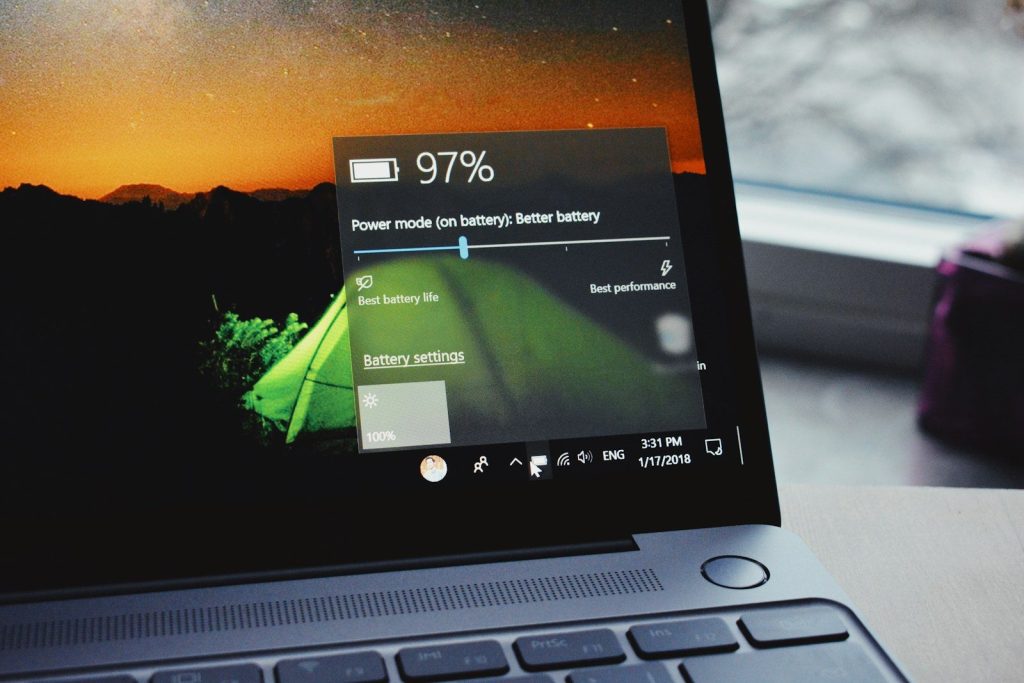
For laptop users, Sleep mode can slowly drain battery power while the device sits unused. This becomes more noticeable during travel or when the computer remains in a bag for extended periods.
A useful battery preservation hack is shutting down before long trips. This prevents unexpected battery loss and ensures the laptop is ready when you actually need it.
The Security Hack
Leaving a PC in Sleep mode can be convenient, but it also means your active session remains available. While passwords offer protection, the device is still technically prepared to resume quickly.
A practical security hack is shutting down systems that contain sensitive work or personal information. This adds another layer of protection whenever the computer is left unattended for longer periods.
The Hybrid Usage Hack

The most effective approach is often to use both options strategically. Sleep mode works well for short breaks, while shutdowns make sense during extended periods of inactivity.
This flexible PC hack gives you the best of both worlds. You enjoy fast access when needed while still benefiting from regular system refreshes, improved efficiency, and better overall maintenance habits.