

Most people assume their Wi Fi network is private until something starts feeling off. Slower speeds, random connection issues, or unfamiliar devices can sometimes point to a problem hiding in plain sight.
The good news is that you do not need advanced tech skills to investigate your network. A few simple checks can help you spot unknown devices, strengthen security, and make sure your internet is being used only by the people you trust.
Start With a Quick Network Check
One of the easiest security hacks is learning how to view every device connected to your router. Most routers allow you to log into a control panel that displays phones, laptops, smart TVs, cameras, and other gadgets currently using your network.
This simple habit can instantly reveal devices you forgot about or equipment that should not be there at all. Many people are surprised to discover old phones, unused tablets, or unfamiliar devices quietly connected for months.
Learn to Recognize Your Devices
Before assuming someone is stealing your Wi Fi, create a quick inventory of your household technology. Check device names, manufacturers, and connection details so you know what belongs on your network.
This hack makes future security checks much easier. Instead of guessing, you can quickly identify anything that looks unfamiliar and investigate it before it becomes a larger concern.
Watch for Strange Internet Slowdowns
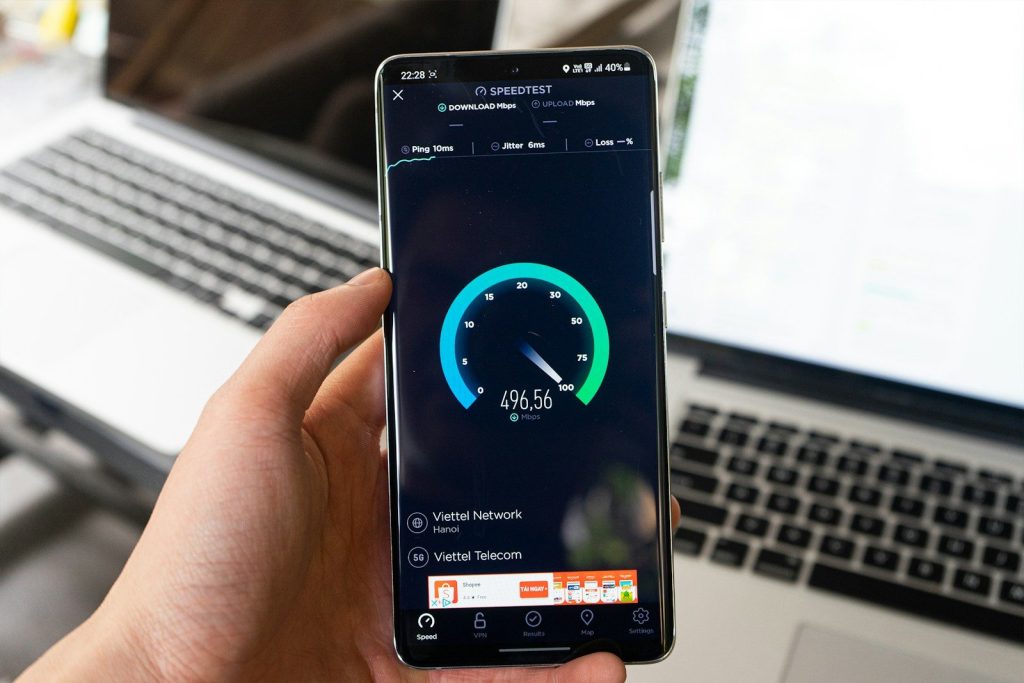
Unexpected drops in internet performance can sometimes act as an early warning sign. If videos suddenly buffer more often or downloads take longer than usual, extra devices could be sharing your bandwidth.
While slow speeds do not automatically mean someone is using your Wi Fi, combining this clue with a network scan can help uncover hidden connections that deserve a closer look.
Use Device Management Apps

Many internet providers and router manufacturers offer mobile apps that simplify network monitoring. These tools often show connected devices in real time and provide useful information with just a few taps.
The biggest advantage is convenience. Instead of logging into complicated router settings, you can review network activity from your phone whenever something seems unusual.
Rename Devices for Easier Tracking
A surprisingly effective organization hack is assigning clear names to every device on your network. Generic labels can make identification difficult when reviewing connection lists.
Giving devices names like Living Room TV or Sarah’s Laptop creates instant clarity. When an unknown device appears, it stands out immediately instead of blending into a list of confusing technical names.
Remove Anything You Do Not Recognize
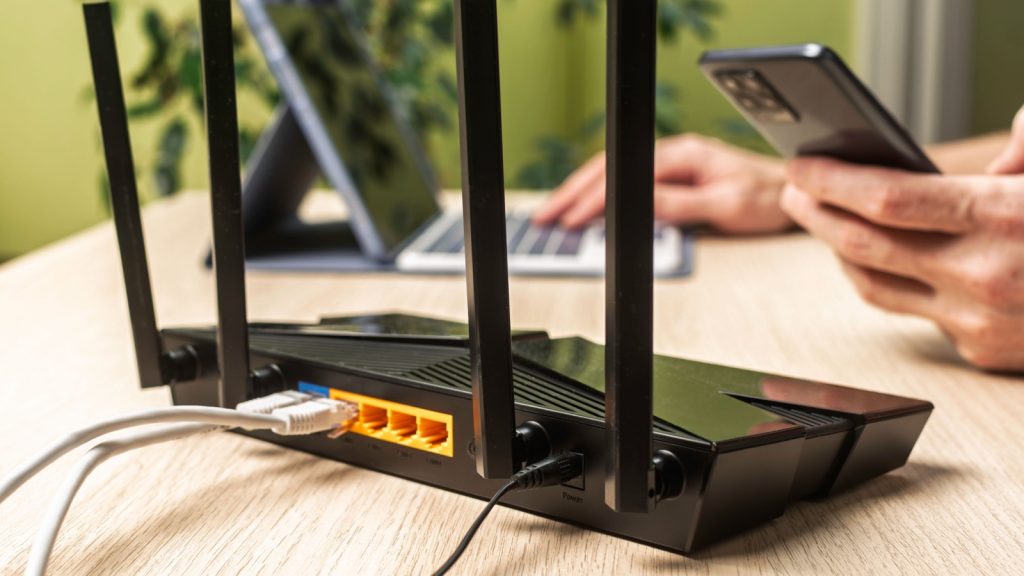
If a device appears suspicious, most routers allow you to disconnect or block it. Taking action quickly can prevent unknown users from continuing to access your network.
Even if the device turns out to be harmless, removing questionable connections helps keep your network organized and reduces the chance of overlooking a genuine security issue later.
Upgrade Your Password Strategy
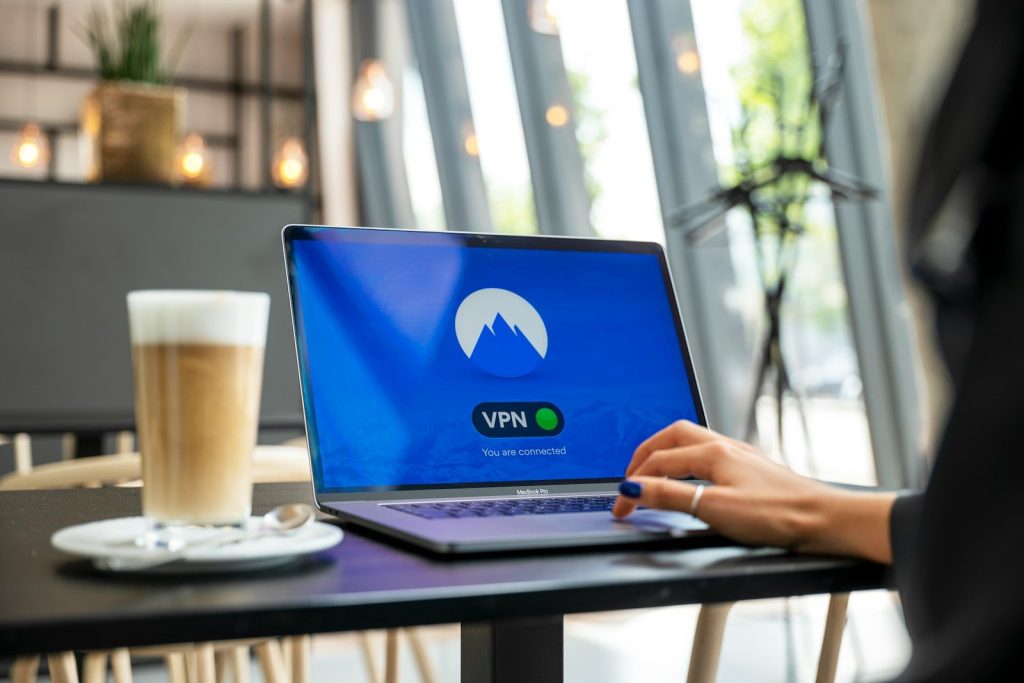
One of the smartest Wi Fi security hacks is changing your password regularly. A strong password that combines letters, numbers, and symbols is much harder for outsiders to guess.
After updating your password, reconnect only trusted devices. This effectively resets access and ensures that previously connected unknown devices can no longer use your network.
Turn Routine Checks Into a Habit

Network security works best when it becomes part of your regular routine. A quick monthly review can help catch problems before they affect performance or privacy.
Think of it like checking locks around your home. Spending a few minutes reviewing connected devices can provide peace of mind and help ensure your Wi Fi stays secure year-round.