

Most smartphone users install apps without thinking twice about the permissions they grant. Over time, those permissions can add up, giving certain apps access to microphones, cameras, locations, and other sensitive data.
While many apps collect information to improve functionality, some gather far more data than users expect. Understanding which apps deserve a closer look can help you protect your privacy and maintain greater control over your device.
Social Media Apps Often Collect Extensive User Data
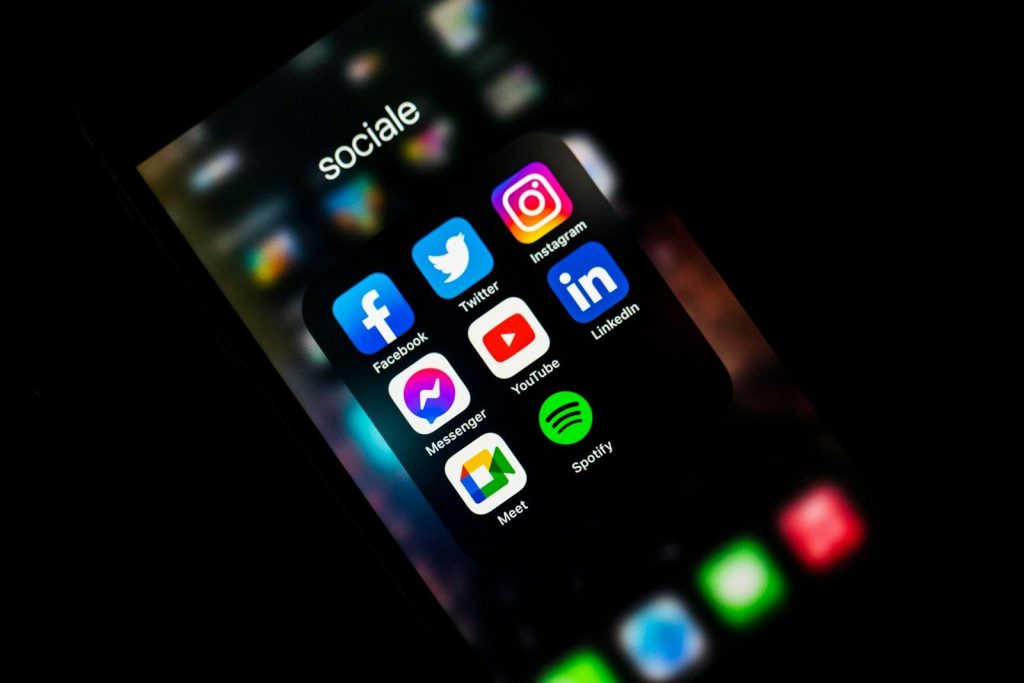
Social media platforms are designed to keep users engaged, which often requires gathering large amounts of behavioral information. This can include location data, browsing habits, device information, and interactions within the app.
Reviewing app permissions regularly is a smart habit. If a social media app has access to features it does not need, consider limiting those permissions or removing the app entirely if concerns outweigh its benefits.
Voice Assistant Apps May Access Your Microphone Frequently
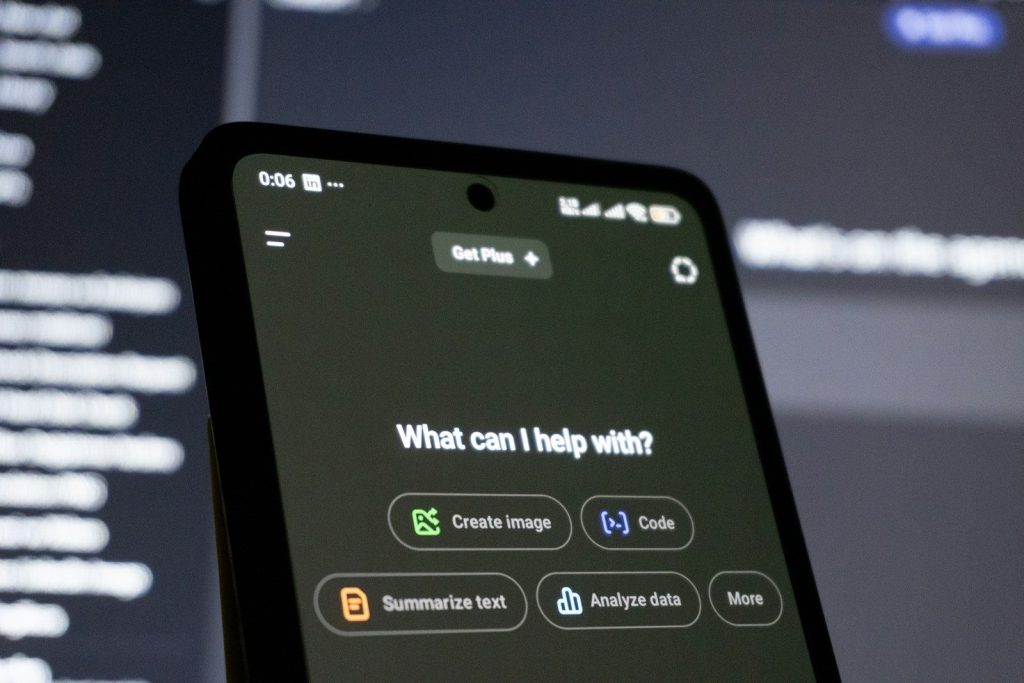
Virtual assistants offer convenience, but they typically rely on microphone access to function properly. Depending on settings, some may listen for activation phrases throughout the day.
Checking microphone permissions can help you understand which apps have access. Disabling unnecessary access reduces the chances of unwanted audio collection while preserving privacy.
Fitness and Health Apps Can Gather Sensitive Information

Many fitness applications track movement, location, heart rate, sleep habits, and other personal metrics. While these features can provide valuable insights, they also create large collections of sensitive data.
Users should review privacy policies and account settings before sharing health information. Deleting unused fitness apps can help reduce unnecessary data exposure.
Navigation Apps Track Location More Than You Think
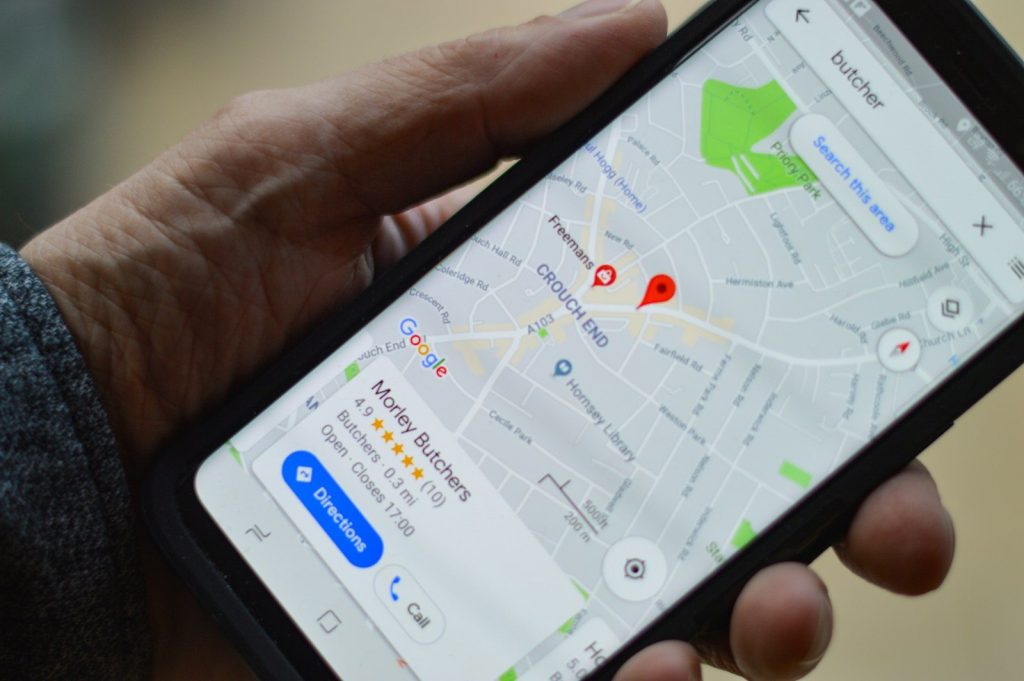
Map and navigation tools depend on location services to provide directions and traffic updates. However, some apps continue collecting location data even when they are not actively being used.
Adjusting location permissions to allow access only while using the app can significantly improve privacy. This simple setting change often limits unnecessary tracking.
Shopping Apps Frequently Monitor User Behavior
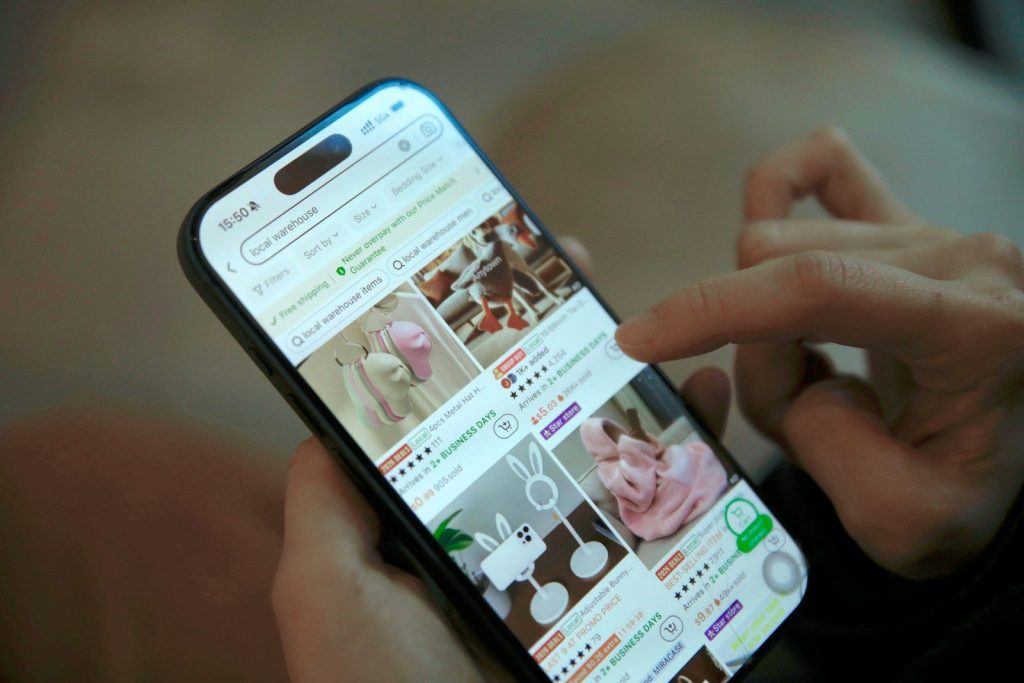
Retail and shopping applications often collect browsing activity, purchase history, and product preferences to personalize recommendations and advertisements.
While customization can be helpful, not everyone is comfortable sharing that level of information. Removing unused shopping apps and clearing stored account data can reduce digital footprints.
Messaging Apps Deserve Regular Privacy Reviews
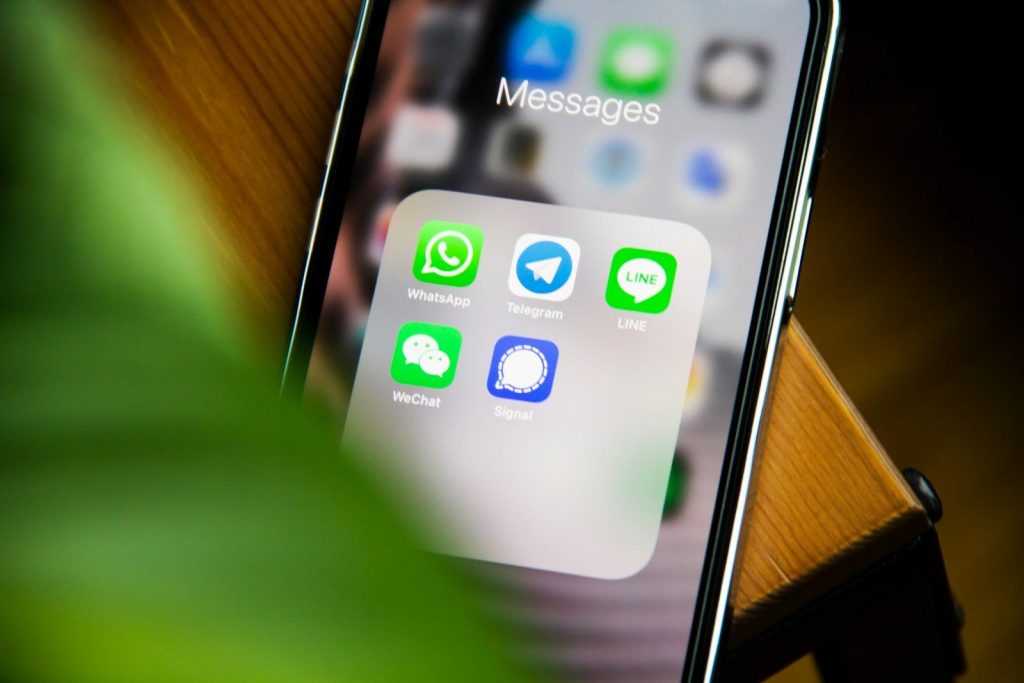
Messaging platforms often request access to contacts, photos, microphones, and cameras. These permissions help deliver features but can also create privacy concerns if left unchecked.
Taking time to review app settings ensures that only necessary permissions remain enabled. This approach allows users to maintain functionality without granting excessive access.
Free Utility Apps May Come With Hidden Tradeoffs
Flashlight apps, file managers, cleaners, and similar utilities sometimes request permissions unrelated to their primary purpose. These requests can be a warning sign that the app collects more information than necessary.
Before installing utility apps, check reviews, developer reputation, and permission requirements. Removing suspicious apps can improve both privacy and device performance.
How to Identify and Remove Apps You No Longer Trust

The easiest way to improve smartphone privacy is to perform regular app audits. Review installed apps, examine permissions, and determine whether each app still serves a useful purpose.
If an app requests excessive access or no longer provides value, uninstalling it is often the simplest solution. A cleaner device with fewer unnecessary apps generally offers better privacy and a more secure user experience.
Smartphone privacy is not just about avoiding dangerous apps. It is also about understanding how everyday applications use the information you share. Regularly reviewing permissions and removing unnecessary apps can help you stay in control of your personal data while enjoying the convenience of modern technology.